It's a new(ish) Samsung, my old one drowned last year when we dumped our canoe while running a rapid.We can help with that if you like. Details will vary by phone, but basically you'll be (1) taking the photo, (2) reducing a copy to under 2.0 MB (megabyte) file size, and (3) uploading that copy into your post. None of this is hard, but it takes a little know-how.
What's your phone make and model? If a recent Samsung Android phone, I can help.
You are using an out of date browser. It may not display this or other websites correctly.
You should upgrade or use an alternative browser.
You should upgrade or use an alternative browser.
2026 - Our Rides in Words, Photos, Maps and Videos
- Thread starter RabH
- Start date



Jeremy McCreary
Bought it anyway
- Region
- USA
- City
- Carlsbad, CA
It's a new(ish) Samsung, my old one drowned last year when we dumped our canoe while running a rapid.
Here's one way to upload a single photo you've taken into a forum post in progress. Just confirmed it on my Samsung S25 Ultra.
Step 1. Open Gallery app, go to Camera folder, select photo to upload.
Step 2. Swipe up on photo to see file size in MB. Hit back to close photo info panel. If under 2.0 MB, skip to Step 6.
Step 3. Tap the pencil icon to edit the selected photo.
Step 4. Tap the 3-dot icon at upper right or lower right and choose Resize. If under 3 MB or so, 80% will probably be enough to get the photo file under 2.0 MB.
Step 5. Tap the 3-dot icon again and choose Save as Copy. The copy should now be in the gallery next to the original. Repeat Step 2 to confirm that it's under 2.0 MB now. If not, repeat Steps 3-5 till it is.
Step 6. Tap the 3-dot icon again with the downsized copy selected and choose Copy to Clipboard.
Step 7. Paste the photo into your forum post in progress.
Let me know if this does or doesn't work for you. There are ways to streamline the process to upload multiple photos.
Last edited:

Chargeride
Well-Known Member
Ha the Elephanant


Love the Fireweed.A few pics from today's 32km ride to Spruce Lake:
View attachment 213297View attachment 213298View attachment 213299View attachment 213300View attachment 213301View attachment 213302View attachment 213303
Chargeride
Well-Known Member
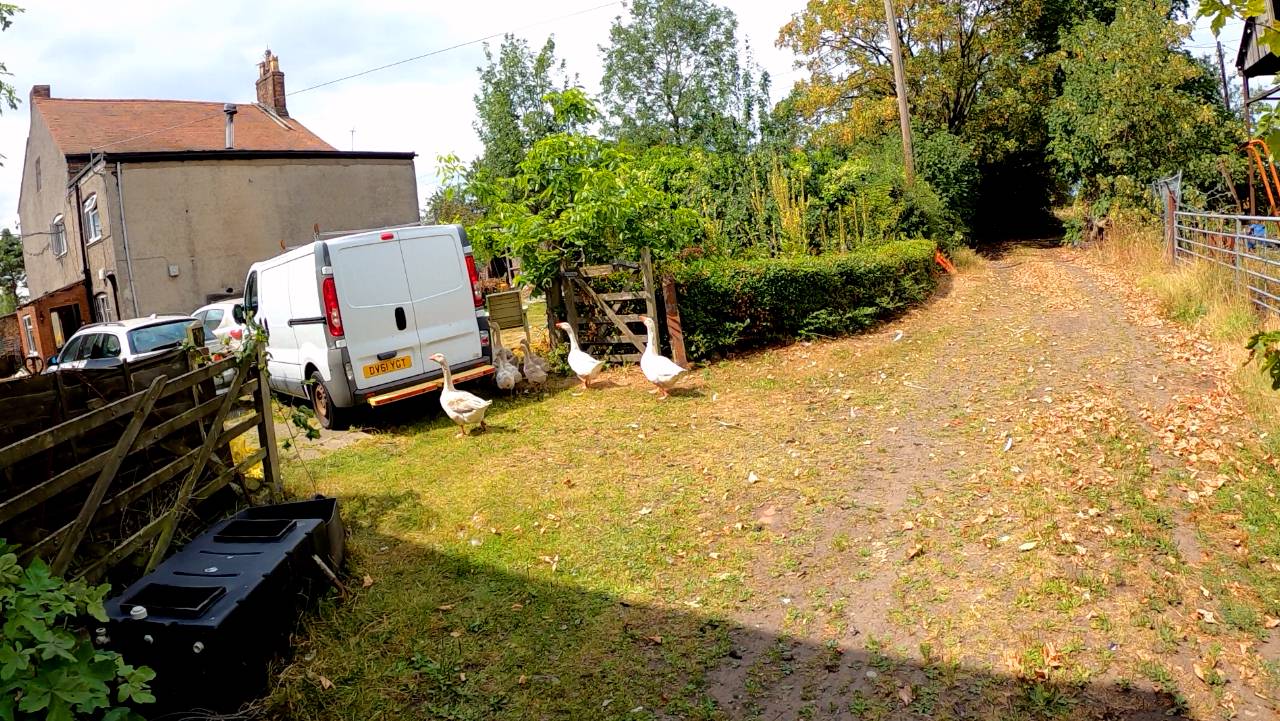
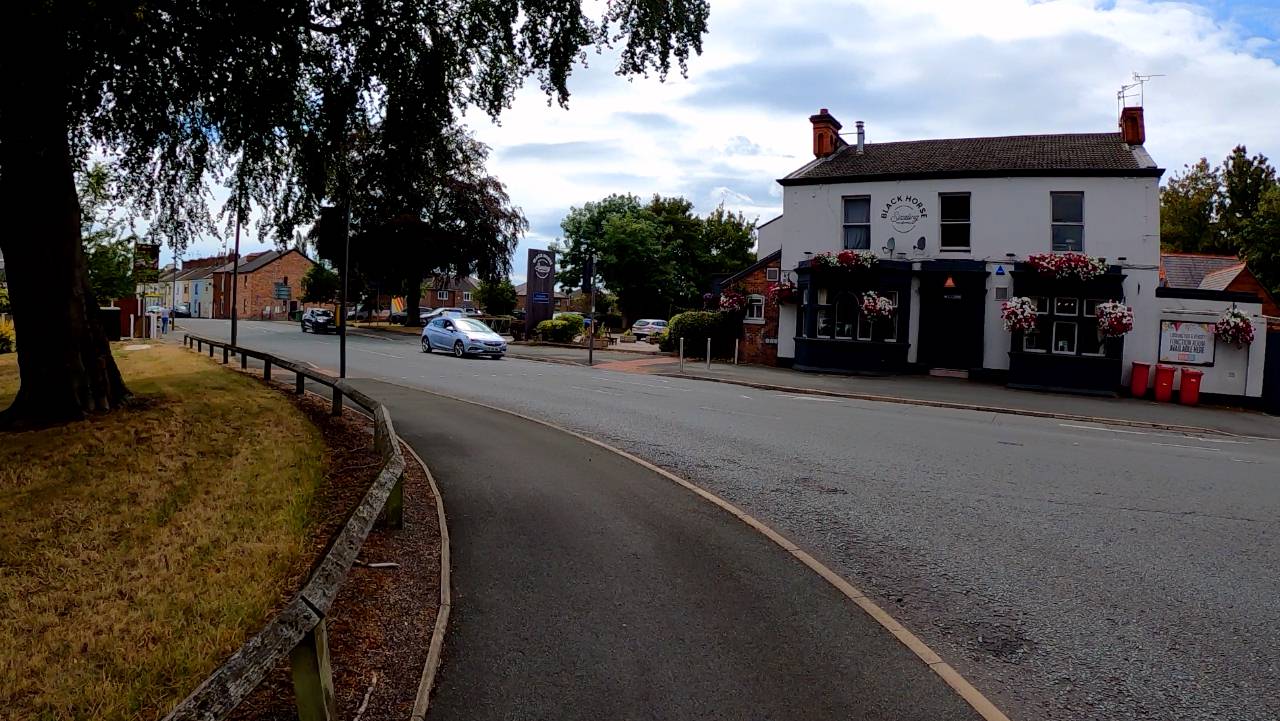
Urban bridleway ride starting in Cronton, Widnes, straight through a farm
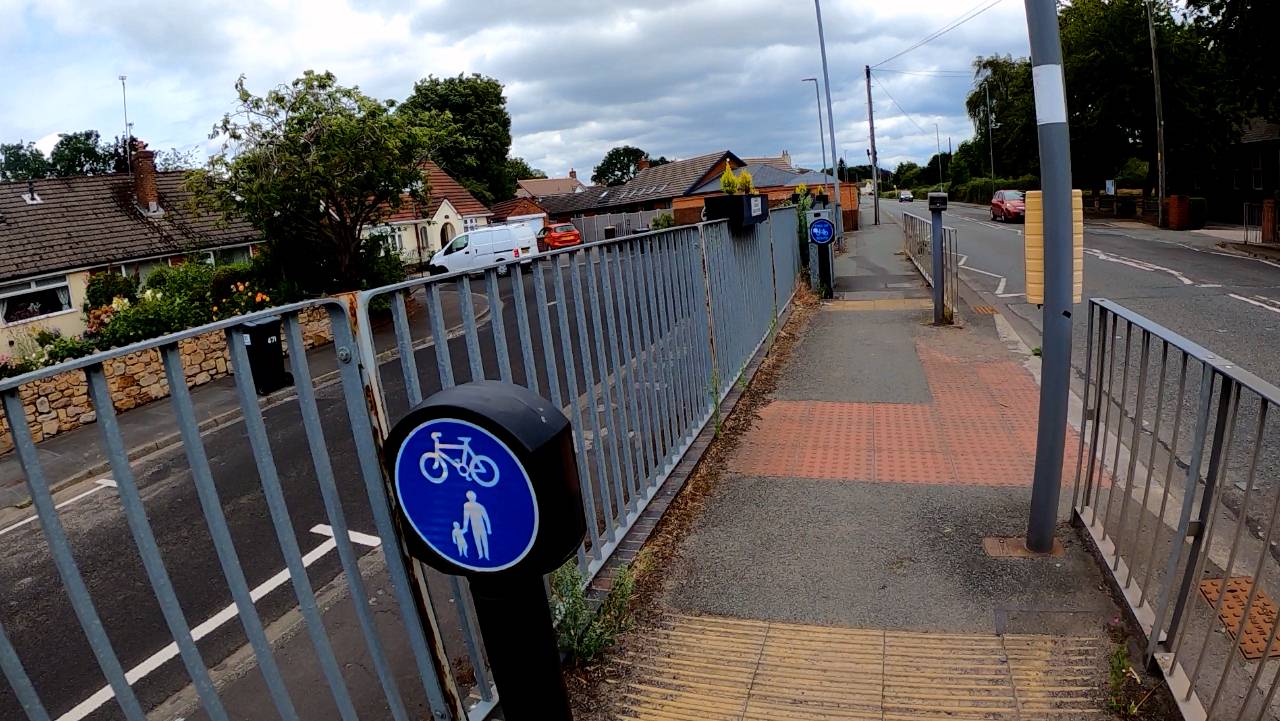
20ft cycle path, unfortunately I blinked
Vee hick you la
Sweet
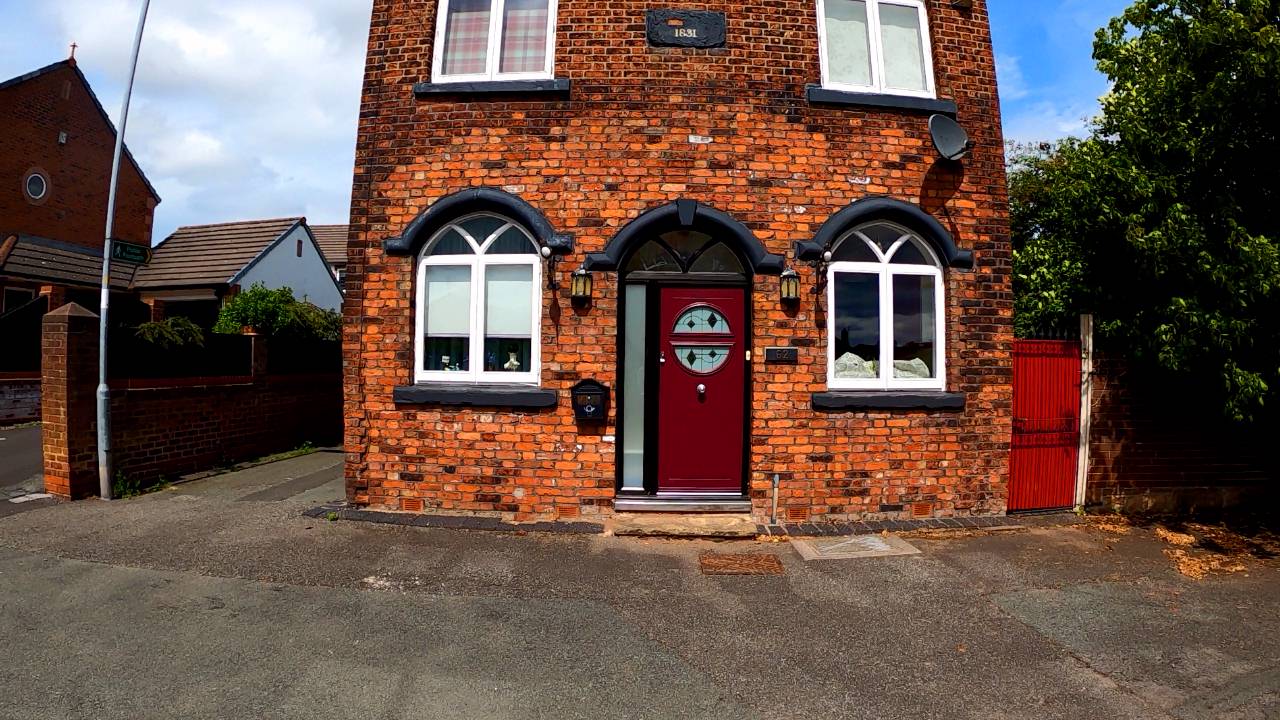
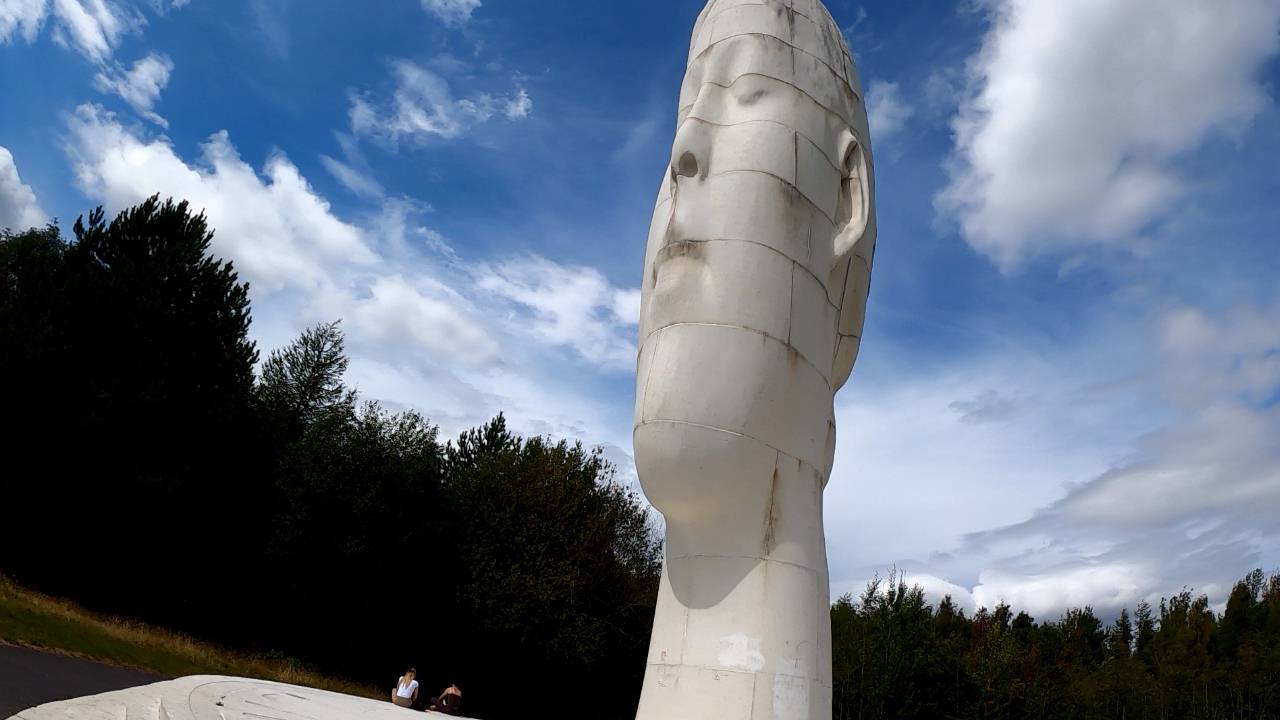
Route went through the Dream, two girls were very hot
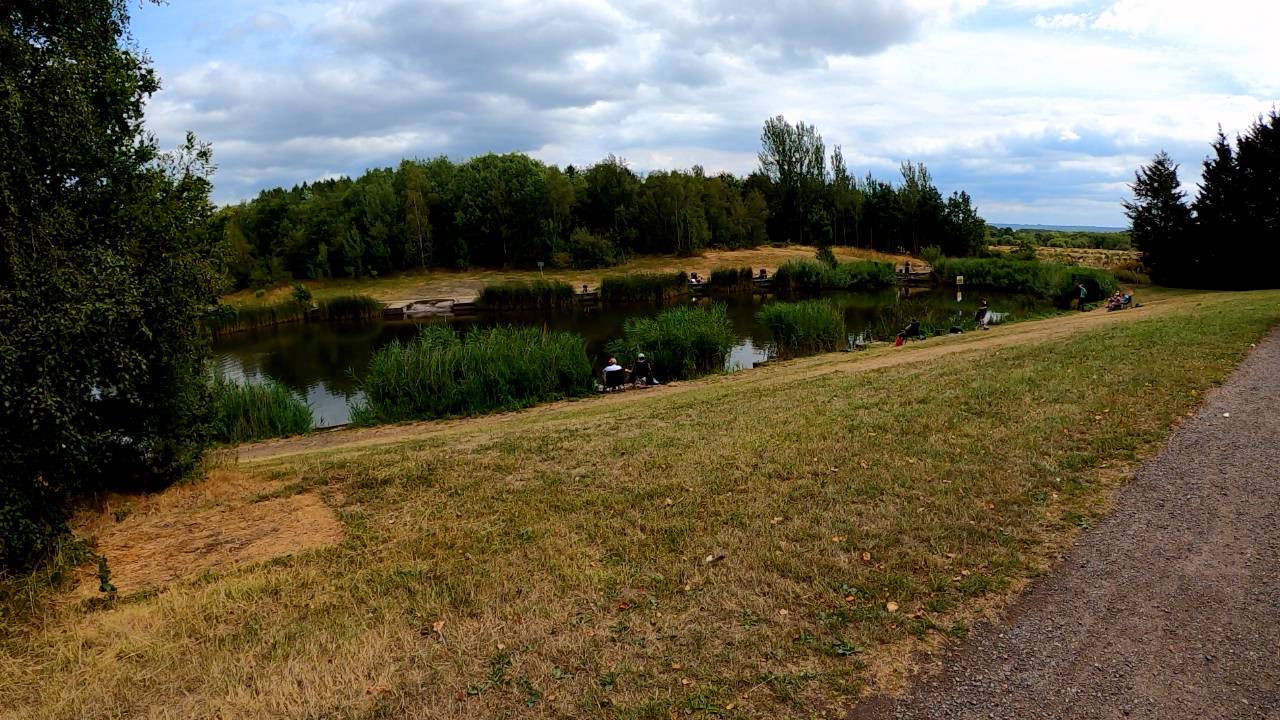
Clock face park, which has to be said carefully
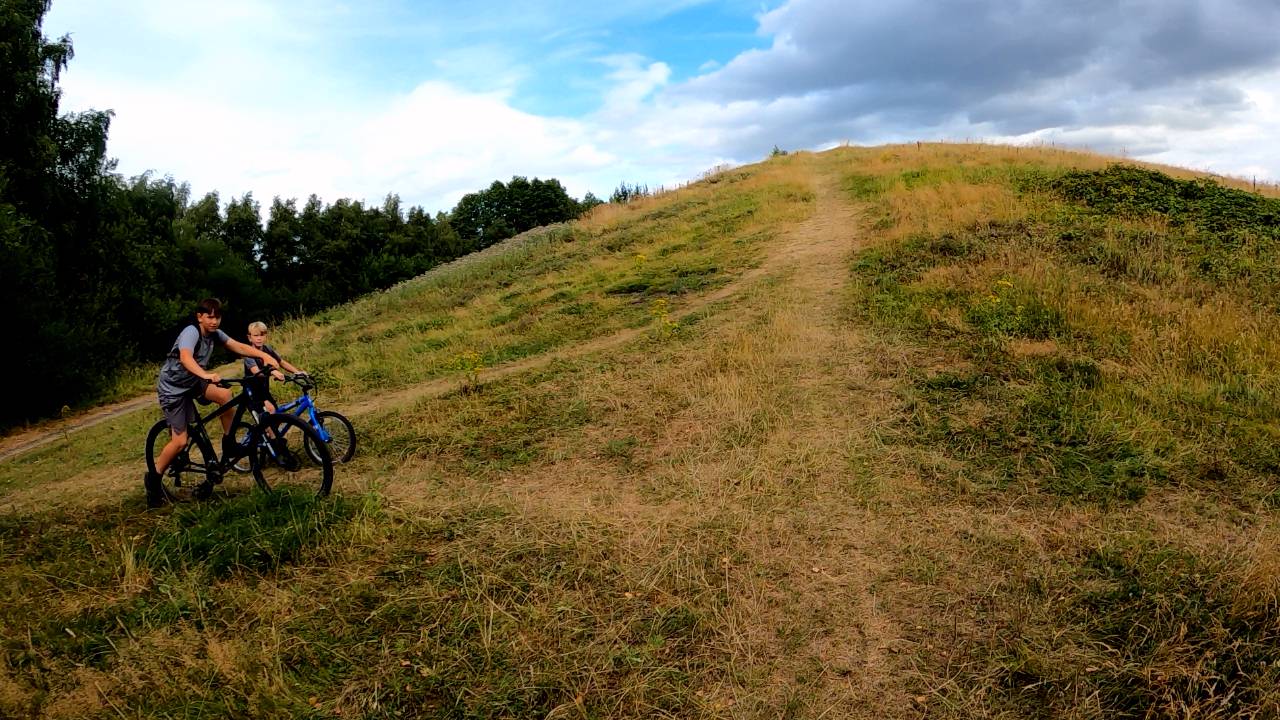
Im sure they were looking at the camera in my mouth
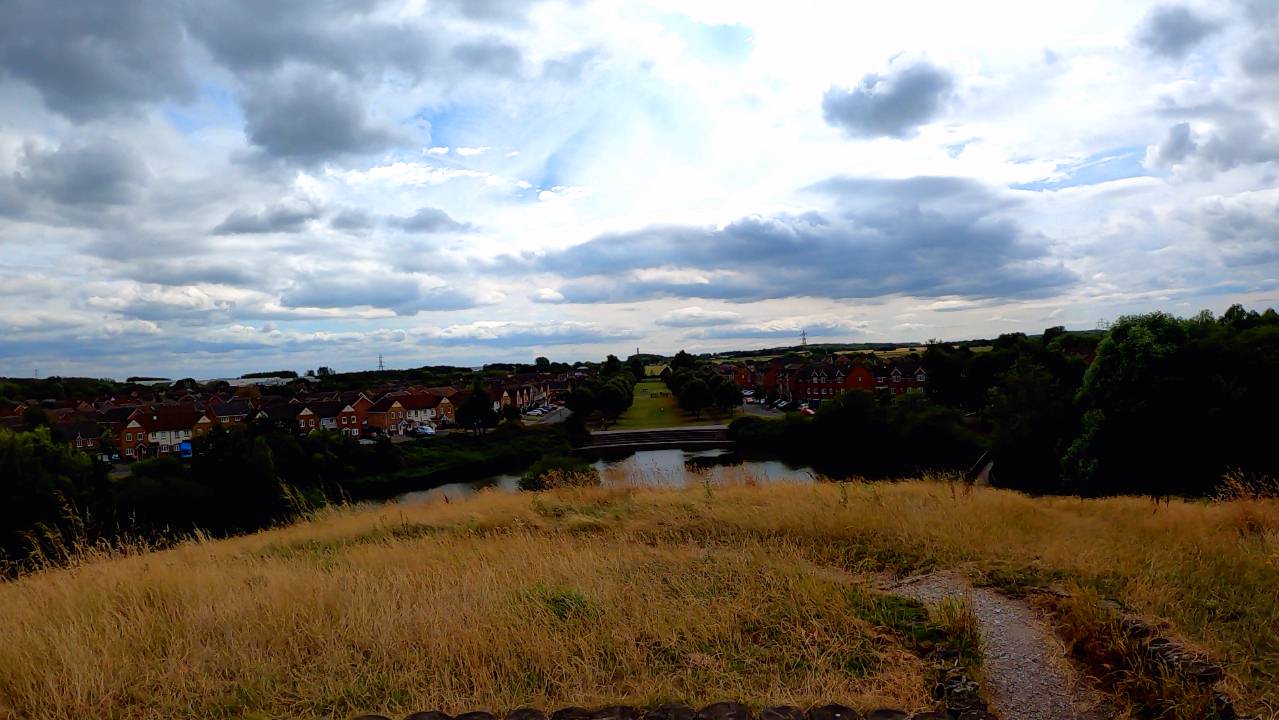
It was a strange mound, with a sort of moat
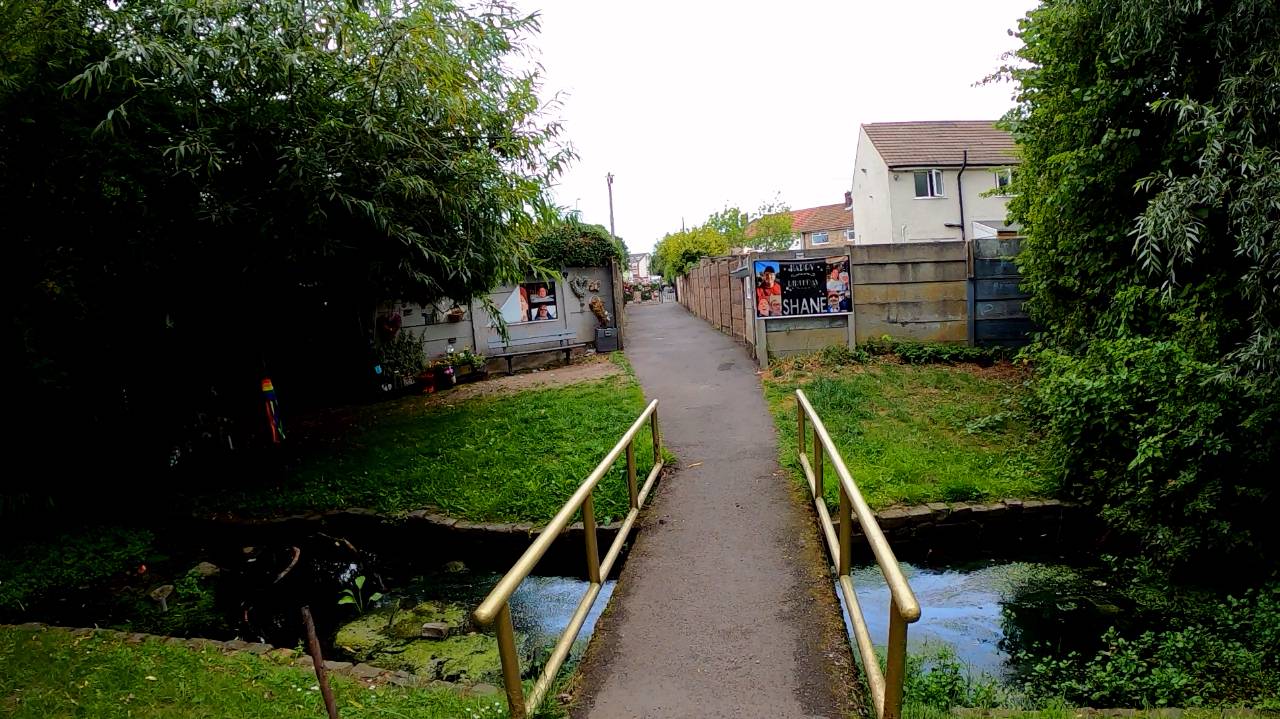
Shane was a mad lad
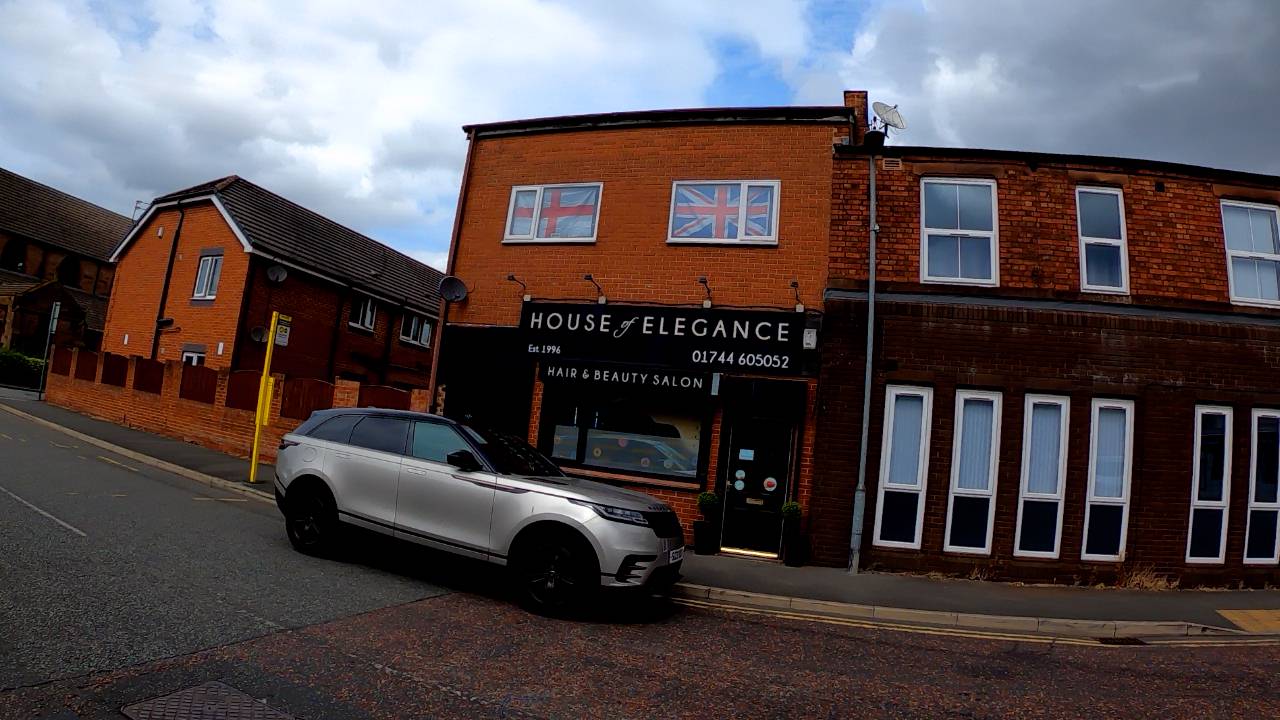
Sean Bean swears by the place
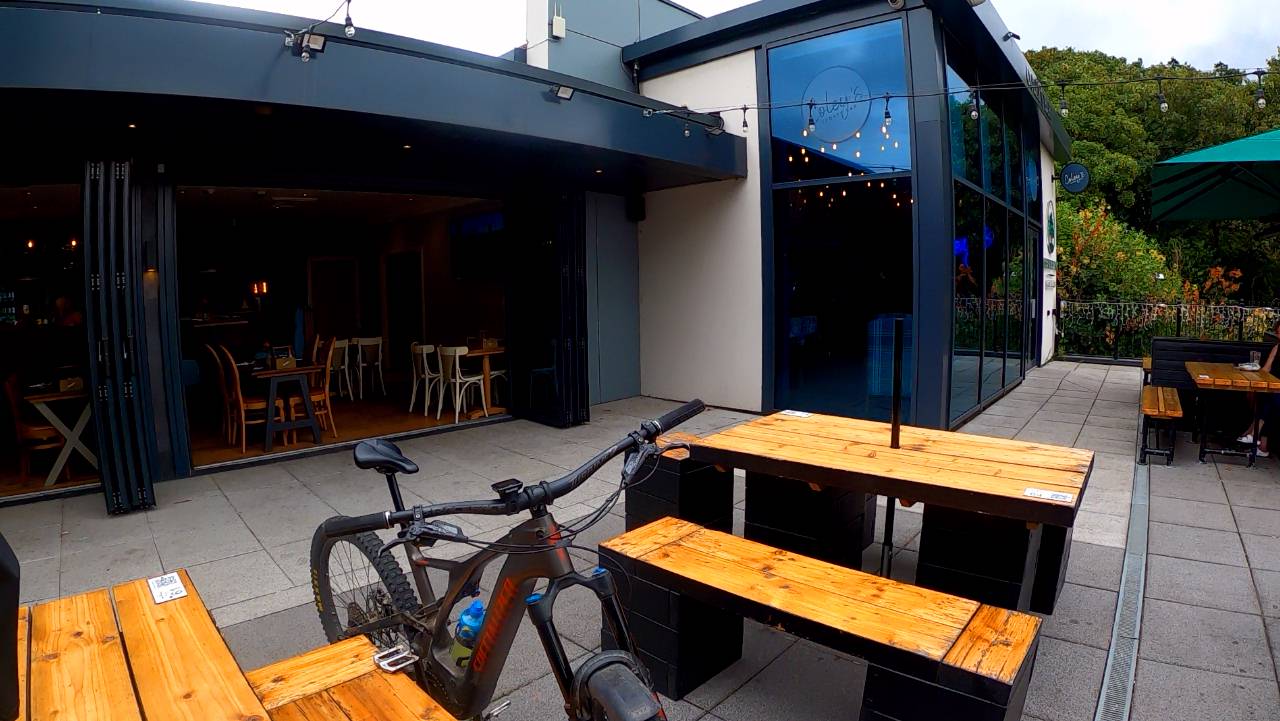
Very snazzy cafe for cider and snacks.
It all kicked off, two African migrants caring for a young man came in, he started smashing the glasses and the tables.
Its a hot topic at the moment, they are being given jobs looking after quite unstable people and are woefully unprepared.
A toddler got thrown in a crocodile pit last month by an adult being supervised by migrants, he was mauled and recieved multiple fractures from the fall.
They just stood there saying .sorry, sorry.
So I said, at least theres no crocodiles.....no one laughed
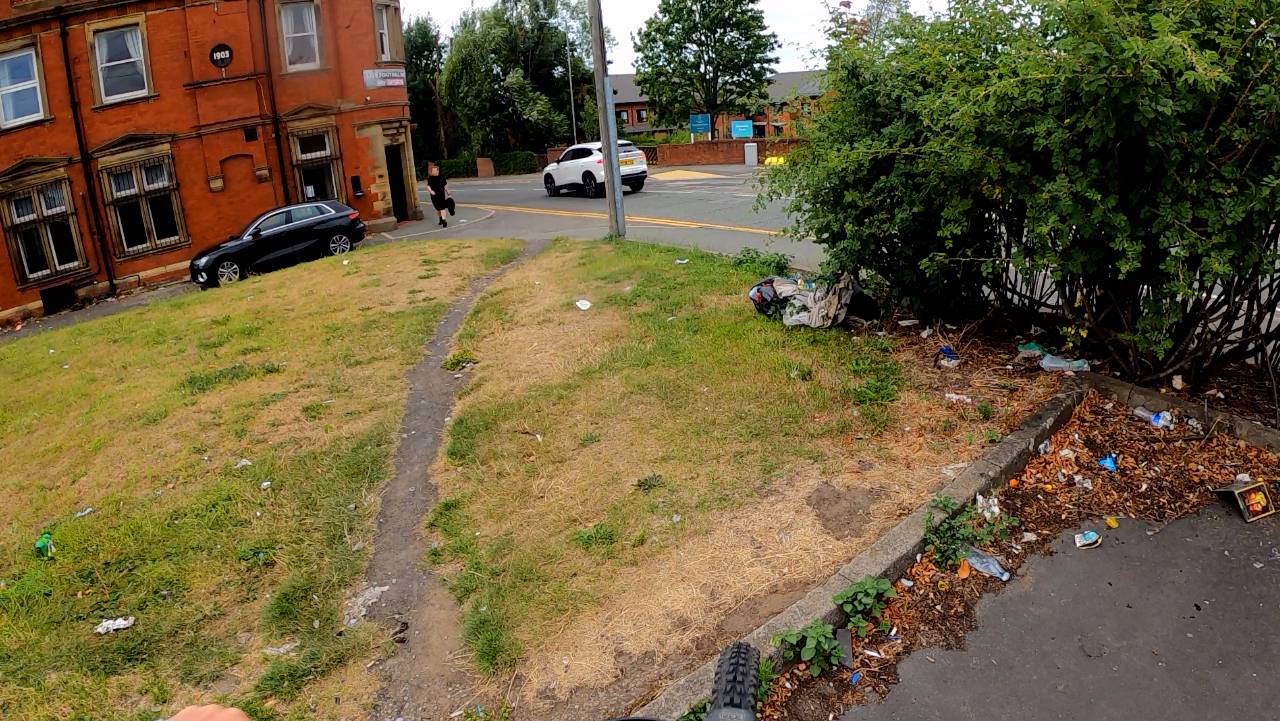
Pretty run own area, Widnes is the stereotypical northern town in decline
Half a mile down the road
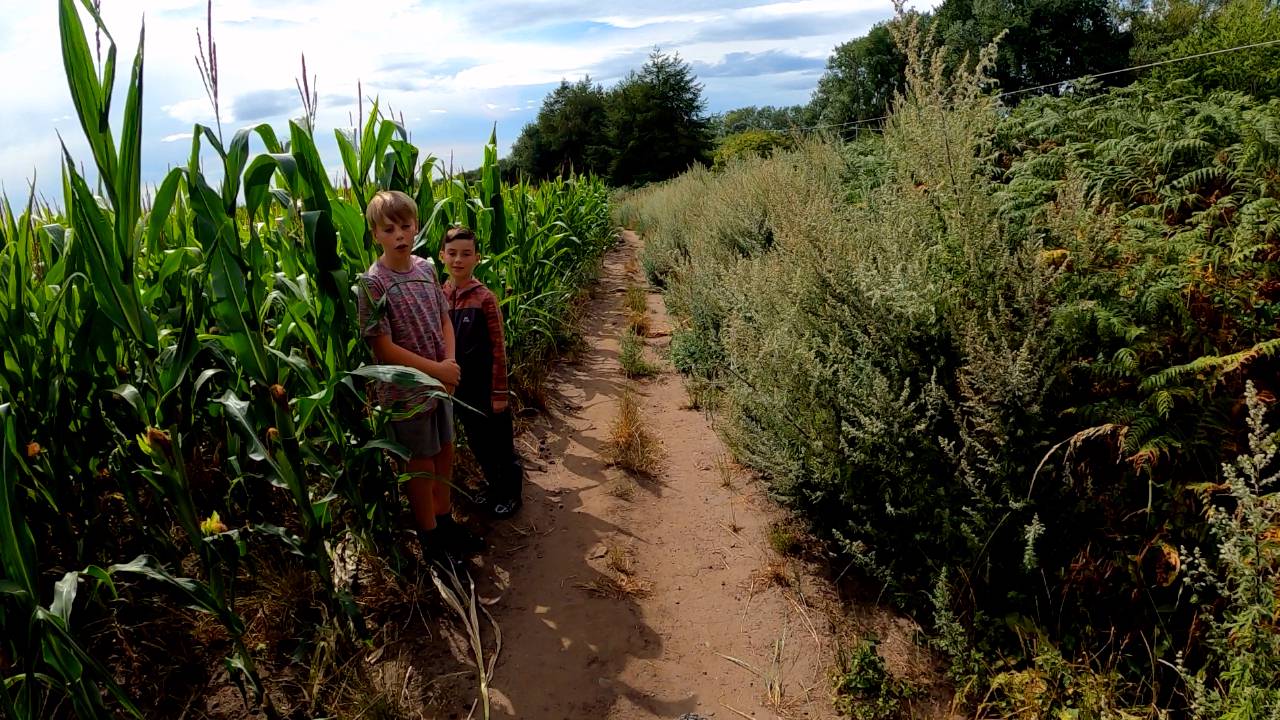
This was a crazy path around and through this field, kids checking out the bike.
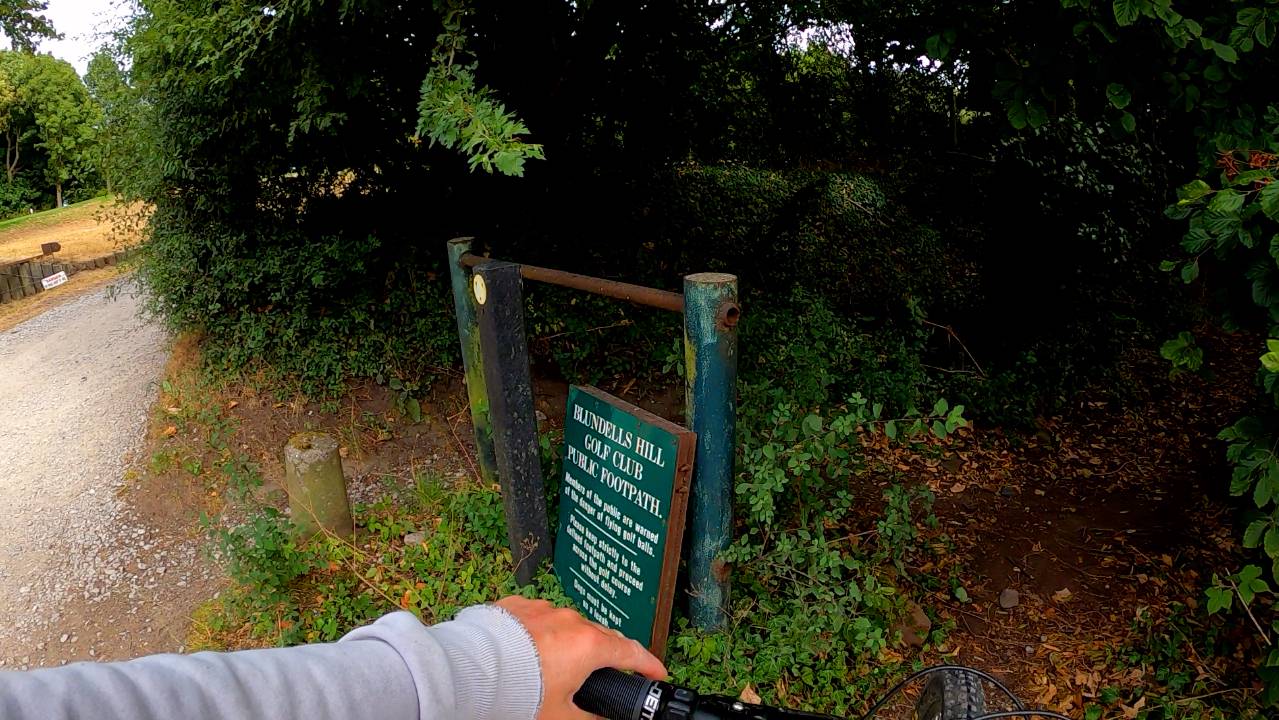
The golf course path was a footpath, but I rode it because it goes to the middle of nowhere and rarely used
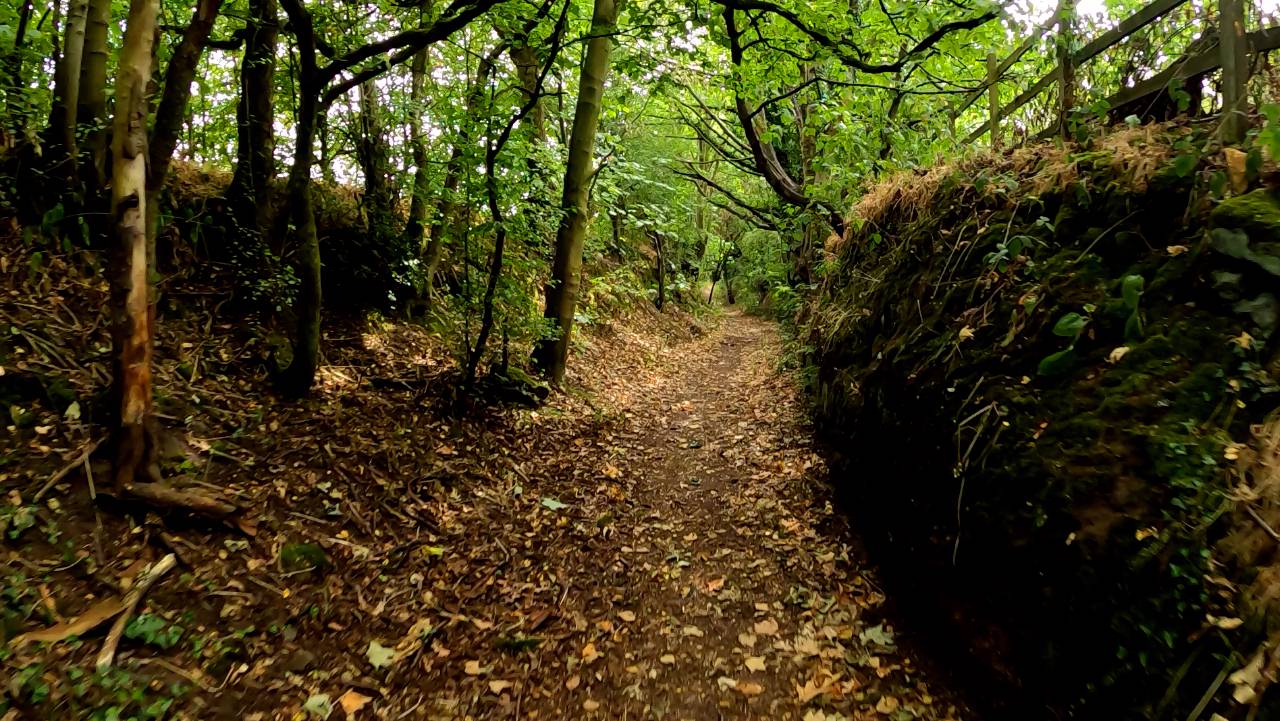
It was a magical sunken path right through the course
The road was 60mph and busy, so I used the farmers own track through the field
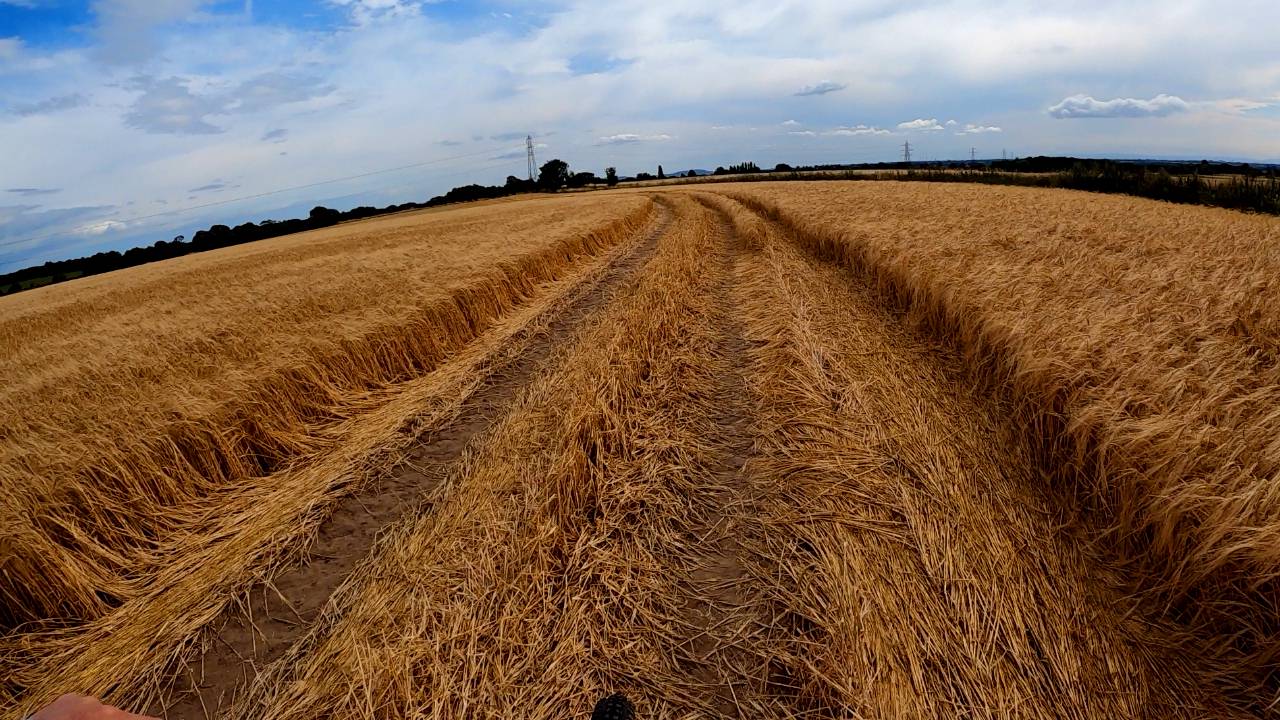
Back to the first farm and the owners were working, I just smiled and waved, the dog started barking when was about 100 yards past.
Too hot for anything but sleeping
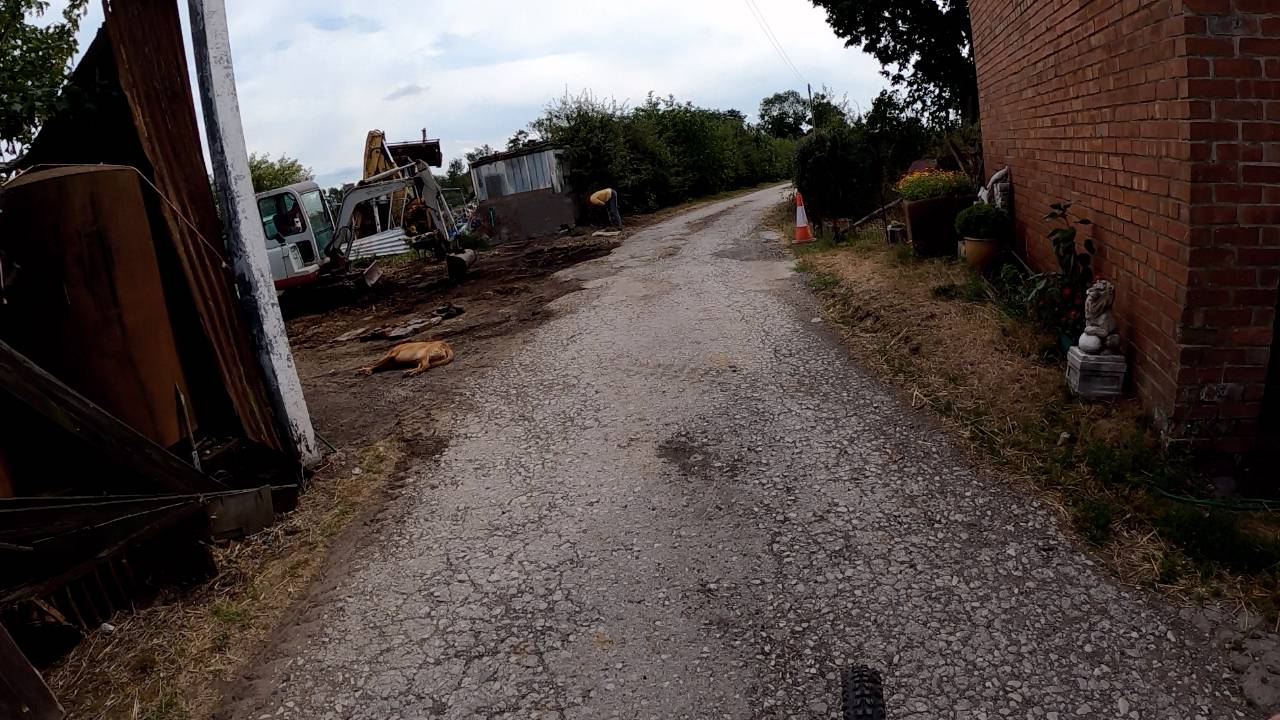
20ft cycle path, unfortunately I blinked
Vee hick you la
Sweet
Route went through the Dream, two girls were very hot
Clock face park, which has to be said carefully
Im sure they were looking at the camera in my mouth
It was a strange mound, with a sort of moat
Shane was a mad lad
Sean Bean swears by the place
Very snazzy cafe for cider and snacks.
It all kicked off, two African migrants caring for a young man came in, he started smashing the glasses and the tables.
Its a hot topic at the moment, they are being given jobs looking after quite unstable people and are woefully unprepared.
A toddler got thrown in a crocodile pit last month by an adult being supervised by migrants, he was mauled and recieved multiple fractures from the fall.
They just stood there saying .sorry, sorry.
So I said, at least theres no crocodiles.....no one laughed
Pretty run own area, Widnes is the stereotypical northern town in decline
Half a mile down the road
This was a crazy path around and through this field, kids checking out the bike.
The golf course path was a footpath, but I rode it because it goes to the middle of nowhere and rarely used
It was a magical sunken path right through the course
The road was 60mph and busy, so I used the farmers own track through the field
Back to the first farm and the owners were working, I just smiled and waved, the dog started barking when was about 100 yards past.
Too hot for anything but sleeping
Chargeride
Well-Known Member
Its getting really dry around here now, probably going to lay off rides into the hills for a bit, wildfires are inevitable.

stompandgo
Well-Known Member
- Region
- USA
That's interesting. From your pictures, I see a lot of wet, mossy, gloomy areas, interspersed with scorched, unprotected, grassy areas.

Darth_Vado
I Find Your Lack Of Faith Disturbing
- Region
- USA
- City
- Huntington Beach, CA

Stefan Mikes
Gravel e-biker
- Region
- Europe
- City
- Mazovia, PL
Chargeride
Well-Known Member
I posted about wildfires..its raining completely out of the blue in the welsh mountains.
Chargeride
Well-Known Member
This is superb, Danny McCaskill taken to the limit.

Chazmo
fat-tire biker
- Region
- USA
- City
- Central Massachusetts
Charge, this feature showed up on RideWithGPS…. Just a heads up. I don’t know if it’d be useful for you or not, but thought I’d mention it. I’m not sure how the fire information is sourced and/or whether it’s accurate, but it sounds interesting.Its getting really dry around here now, probably going to lay off rides into the hills for a bit, wildfires are inevitable.
In any case, stay safe, man!
stompandgo
Well-Known Member
- Region
- USA
Interesting!

DaveMatthews
Dave's not here. Cheating since 2018
- Region
- Canada
Here's another couple I keep an eye on...

 currentwildfires.com
Live Wildfire Map — Current Wildfires
Track every active wildfire worldwide with NASA FIRMS satellite data. The map refreshes automatically every 10 minutes.
currentwildfires.com
Chargeride
Well-Known Member
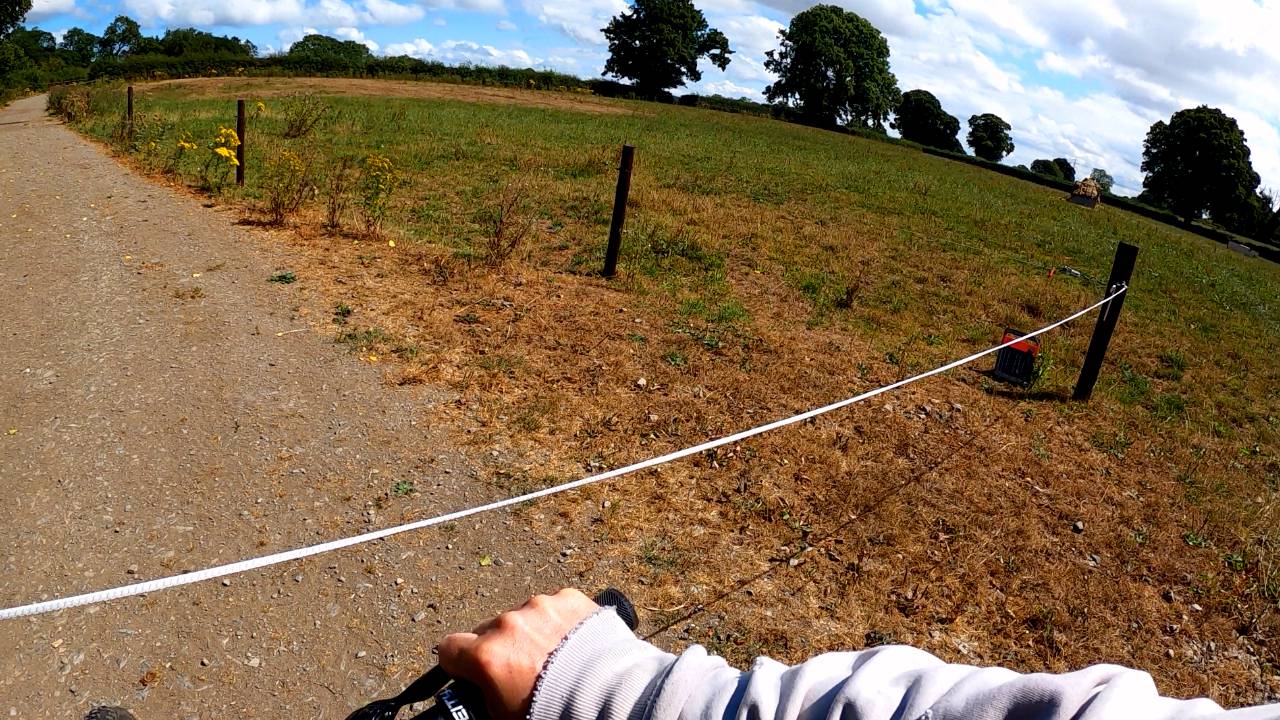
So busy checking the trail to the right I rode straight into the electric fence
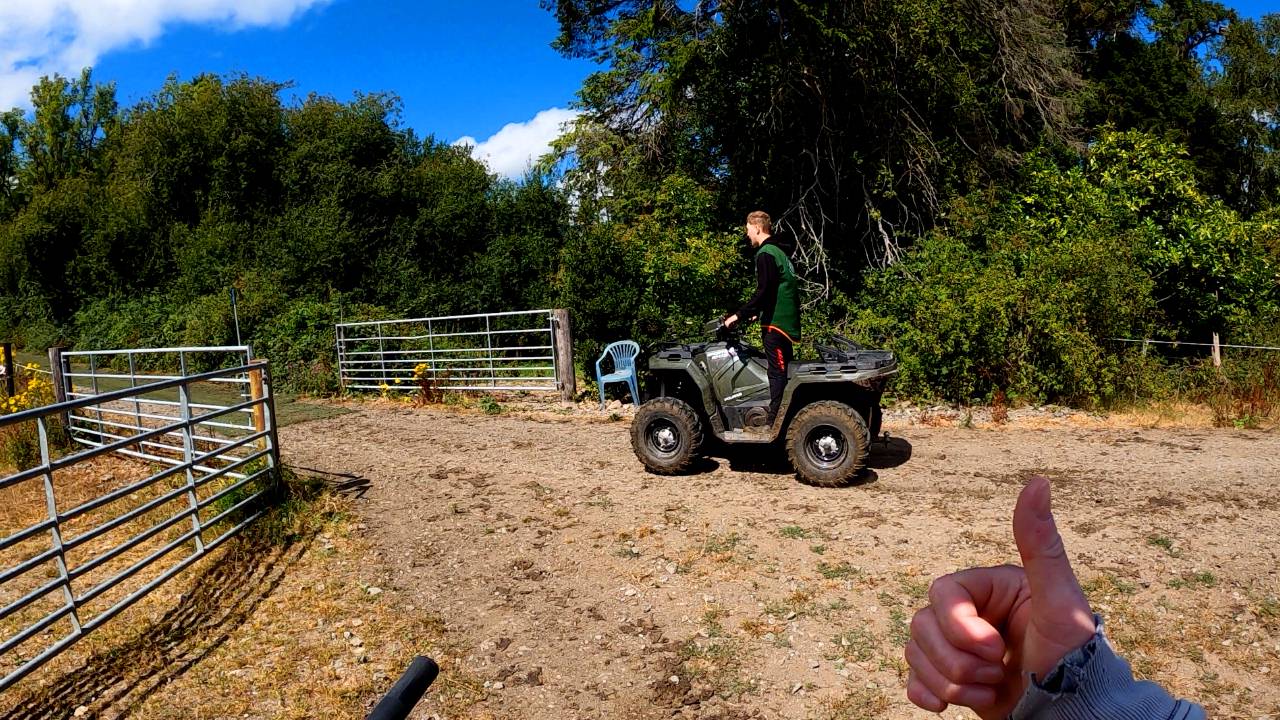
The farmers lad kept riding past showing off his quad
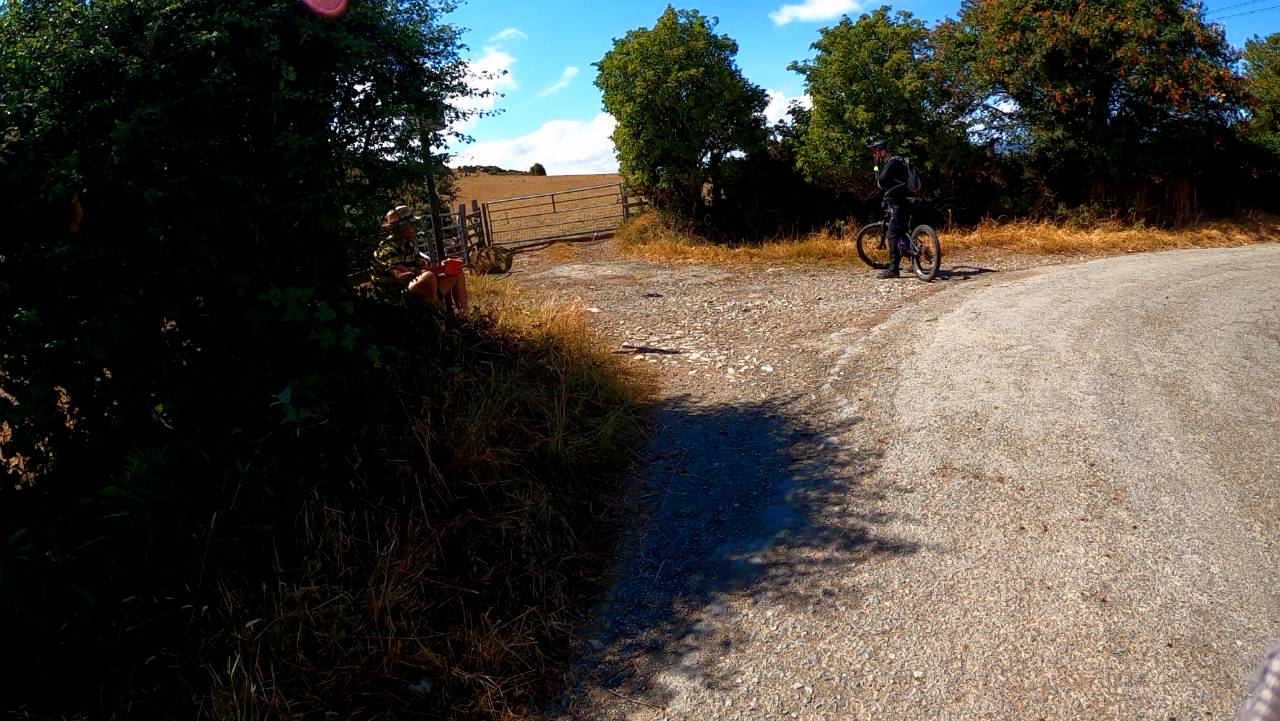
Met this rather posh hiker writing into a notepad, Dan said its nice to get lost in the hills, he replied 'yes but they keep finding me'
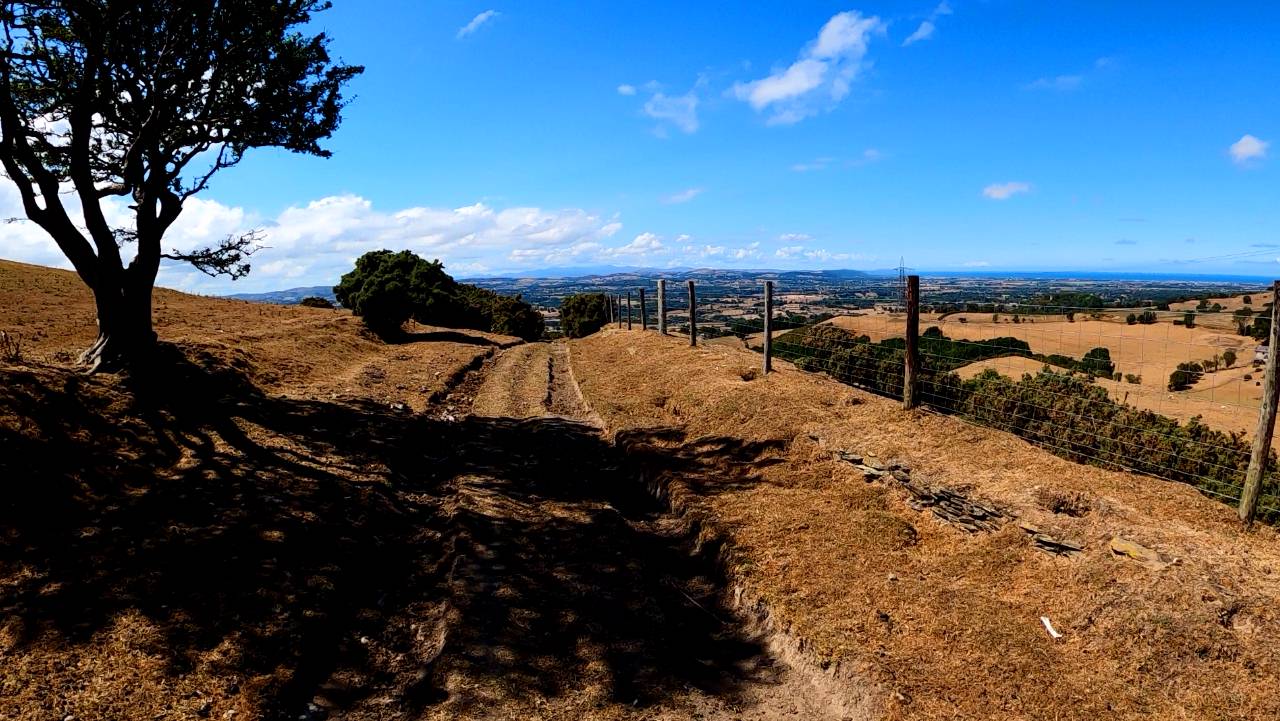
He'd just walked past this view, Snowdonia and the Irish sea.
This is a Byway which allows all traffic.
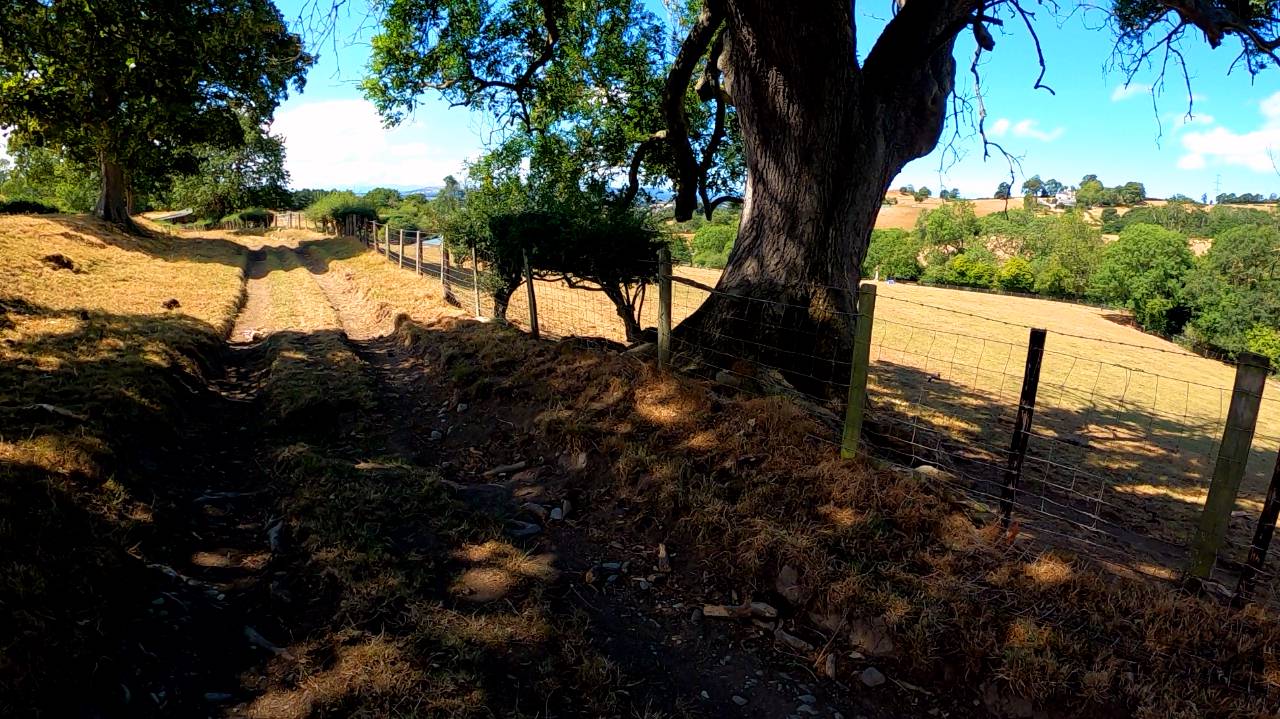
The climb back up surrounded by the parched grass was quite surreal
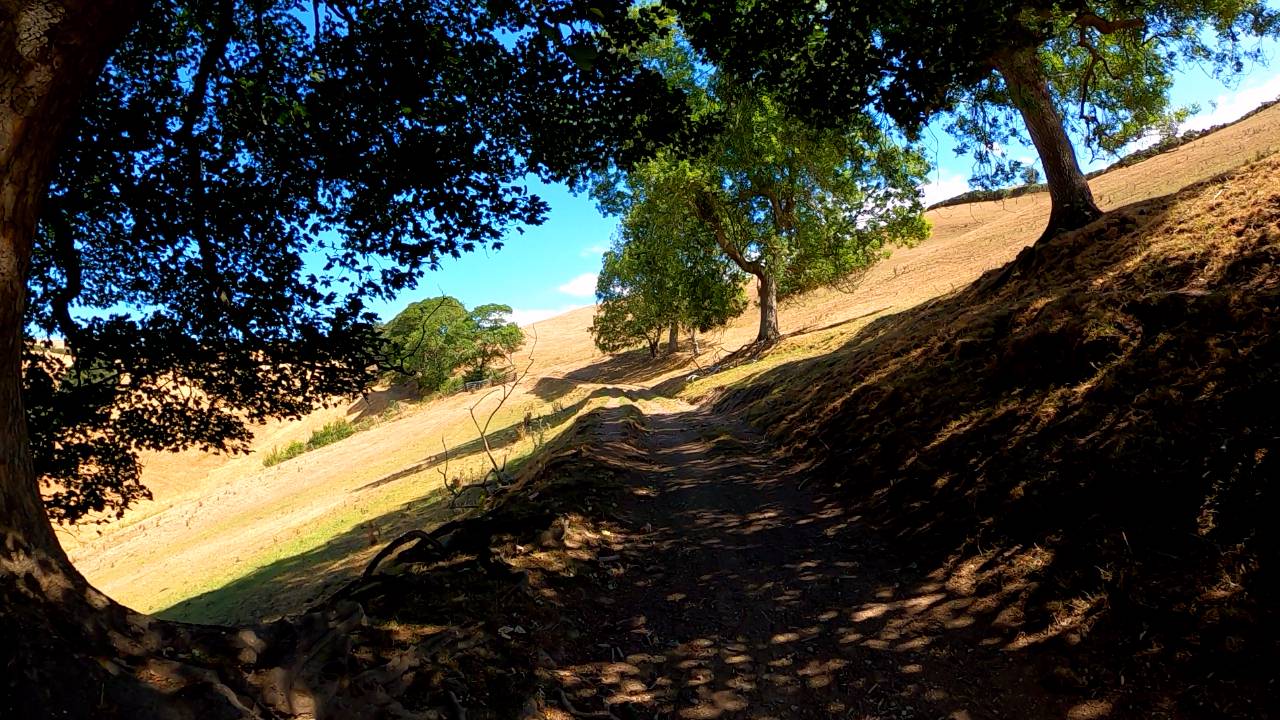
This view is right behind a remote modern mansion
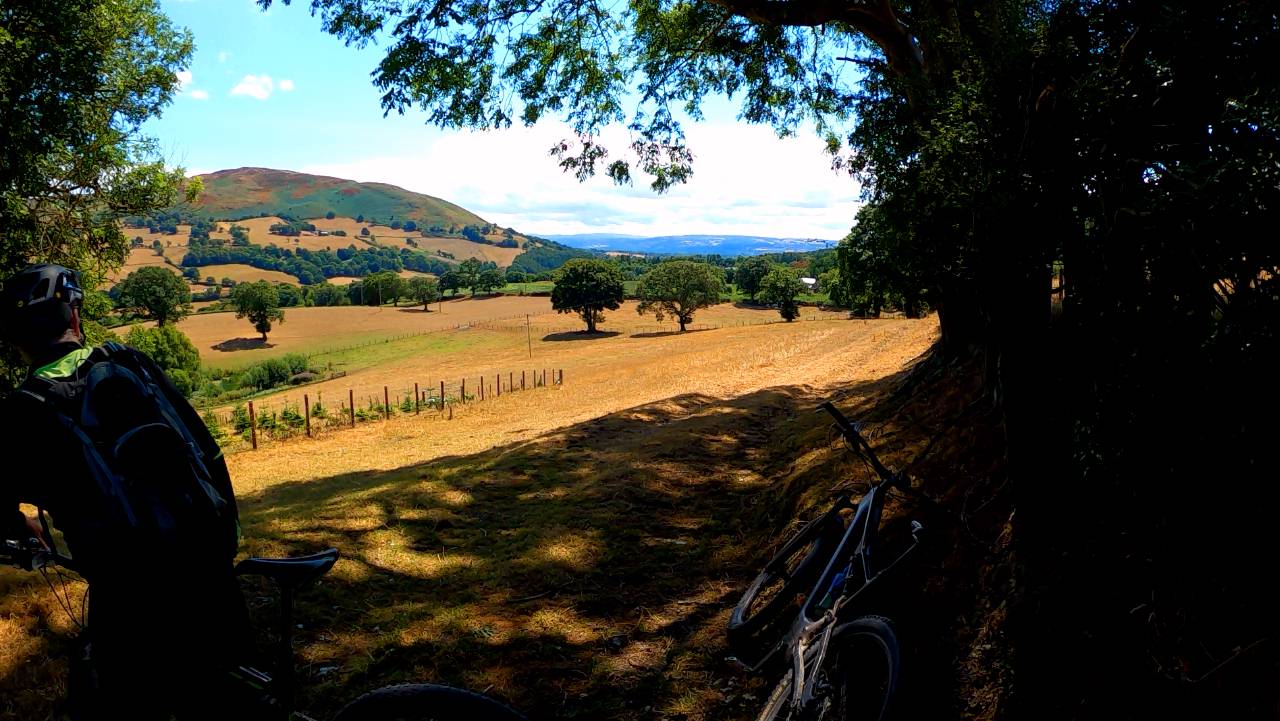
The path kept going for miles till descending through a very unused steep descent
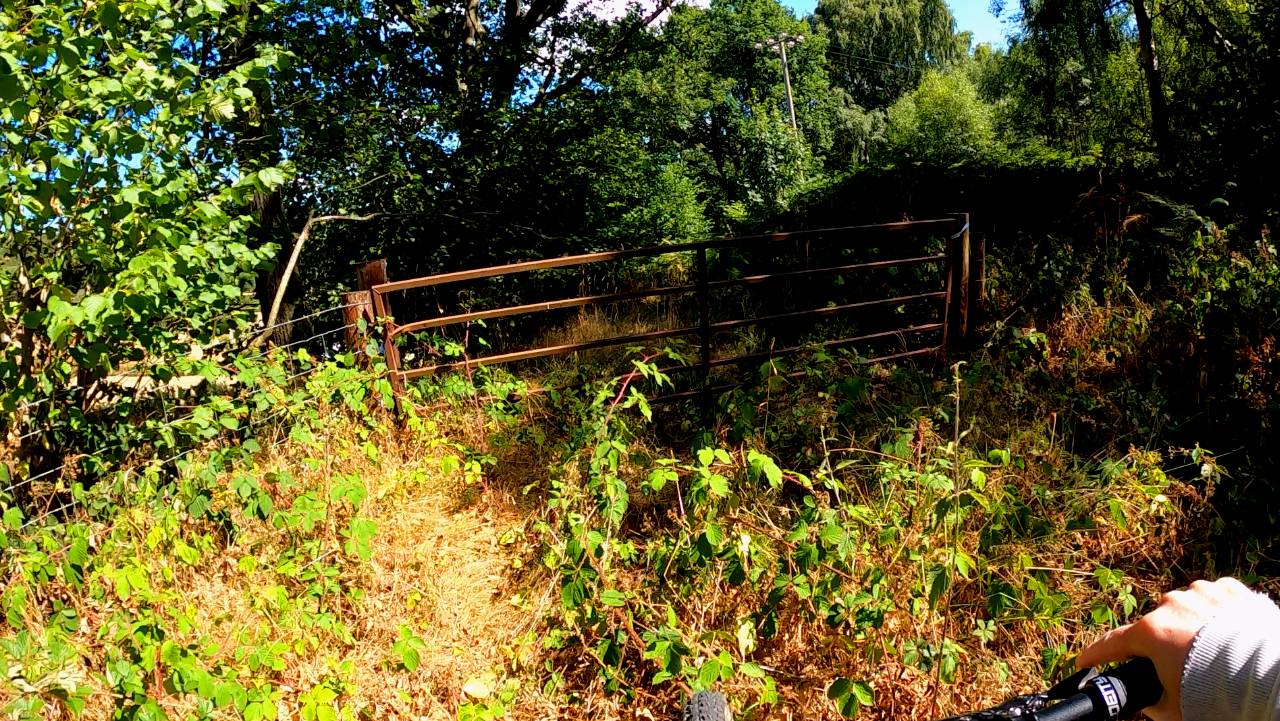
Long climb back up disturbing the sheep
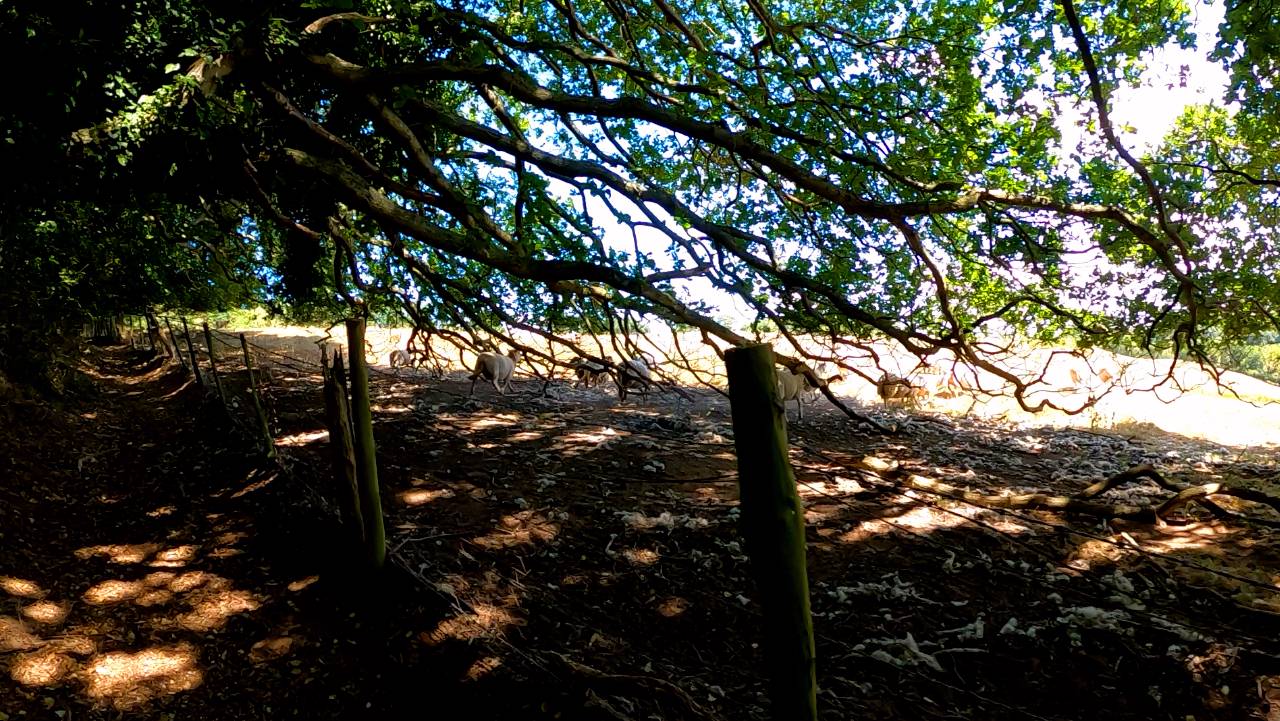
I expected a hilltop, but instead a little busy village
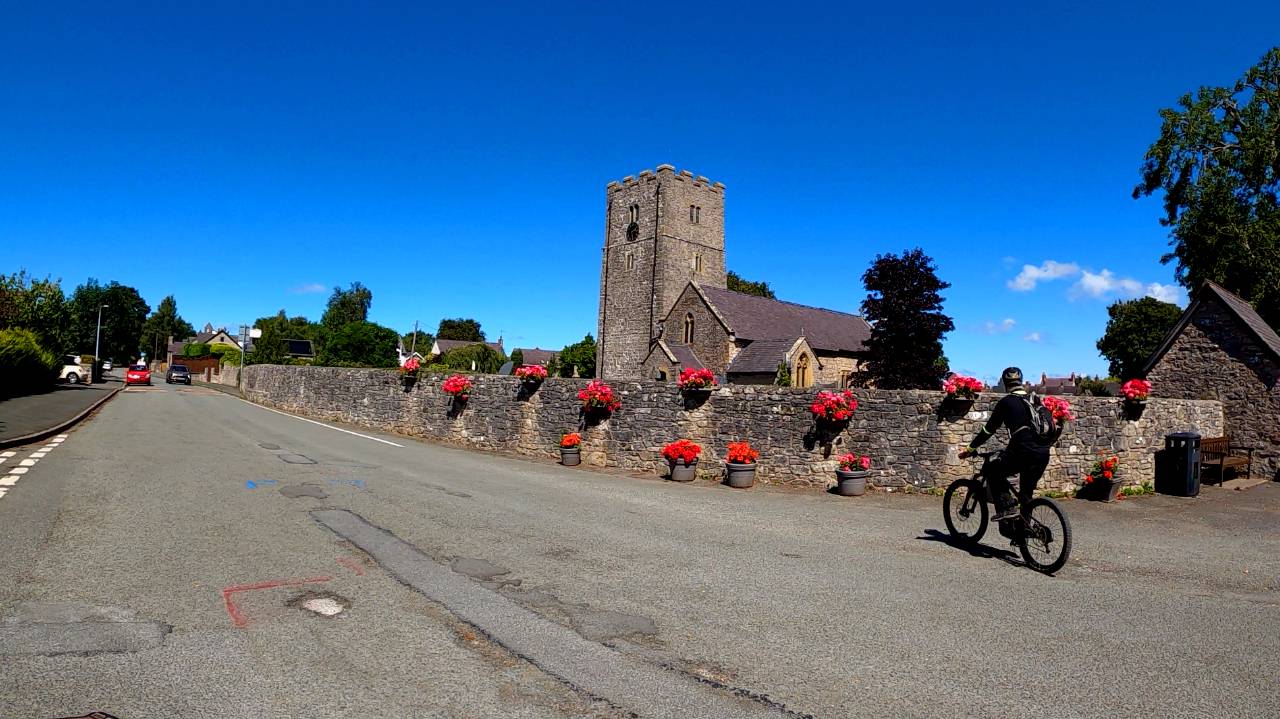
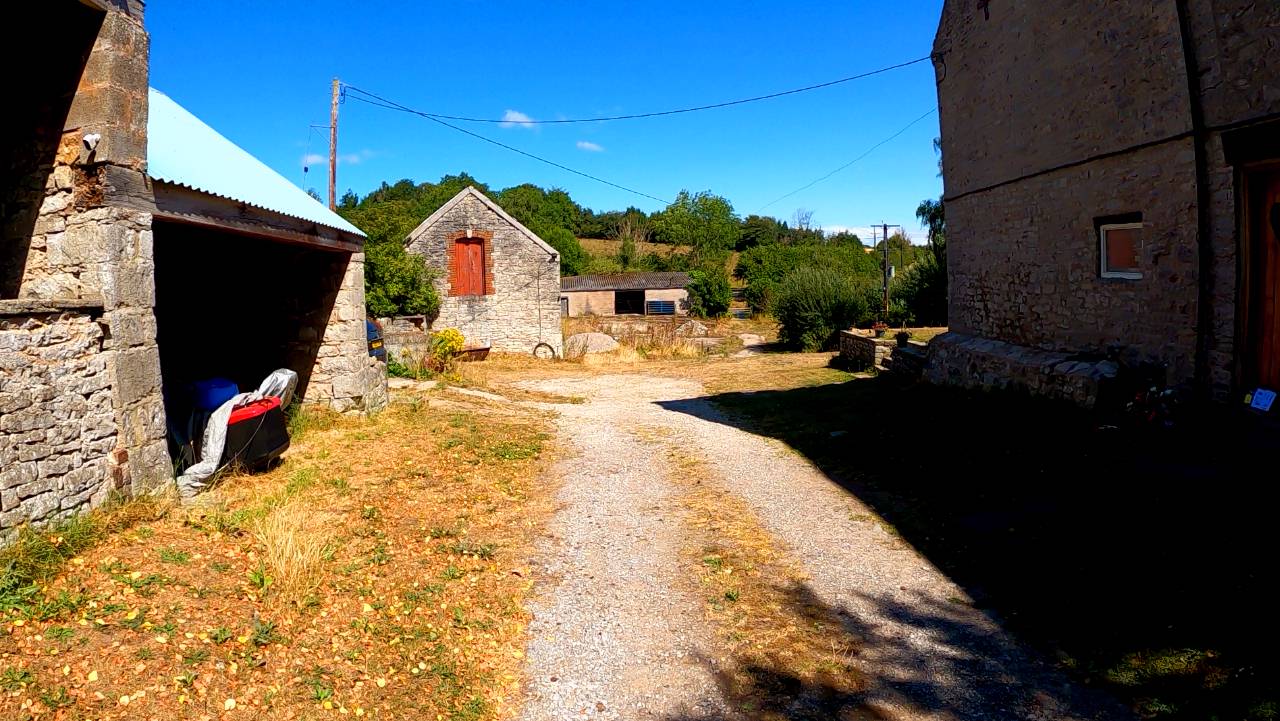
Then through a lovely campsite
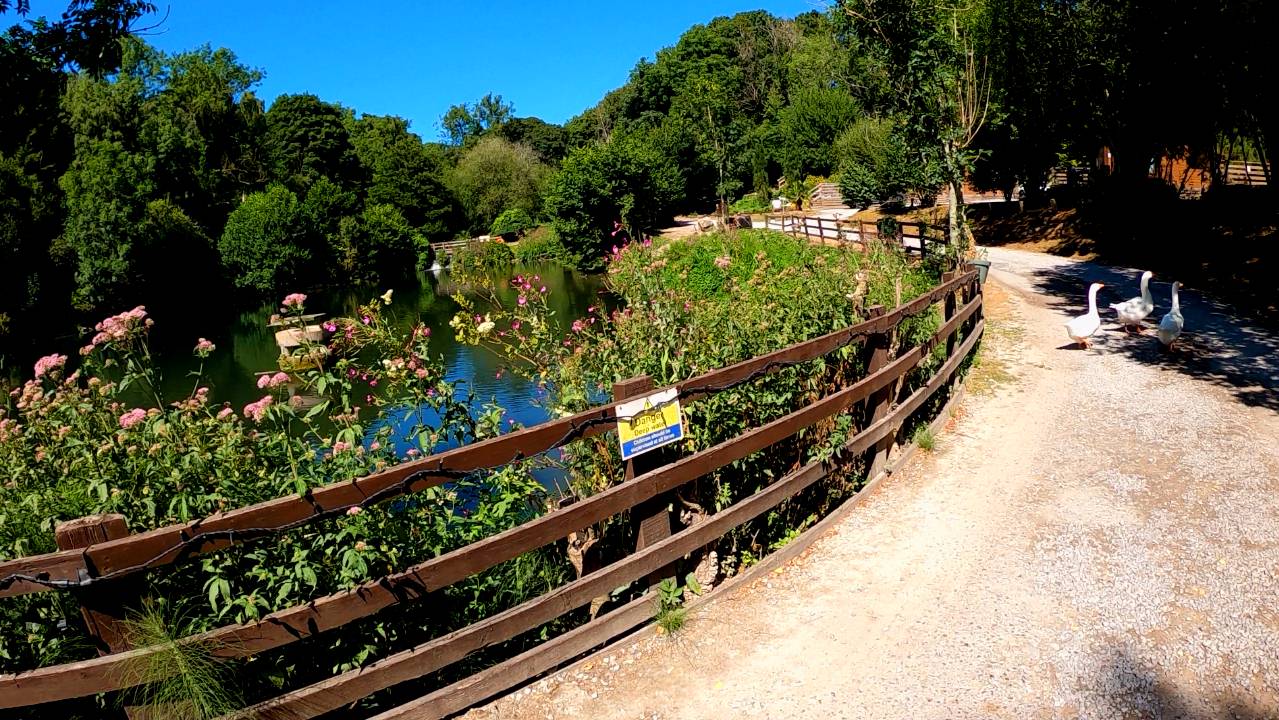
This felt strange even by my standards
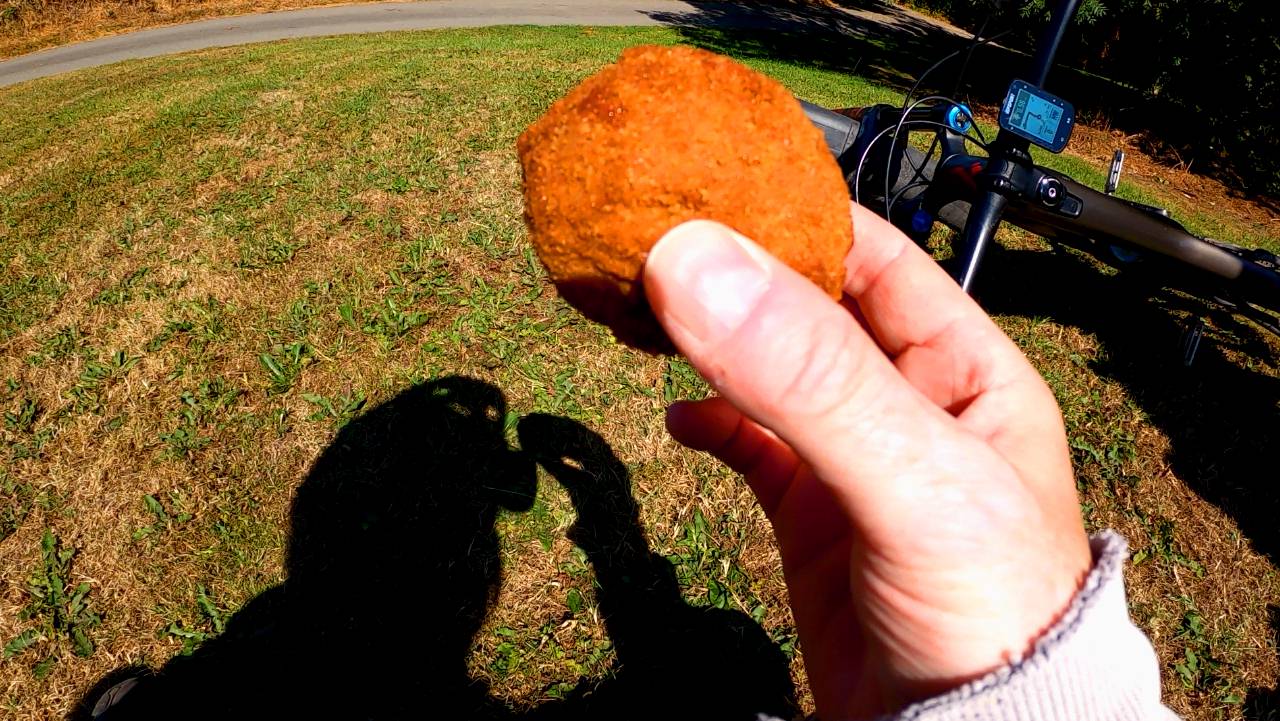
Dan brought scotch eggs
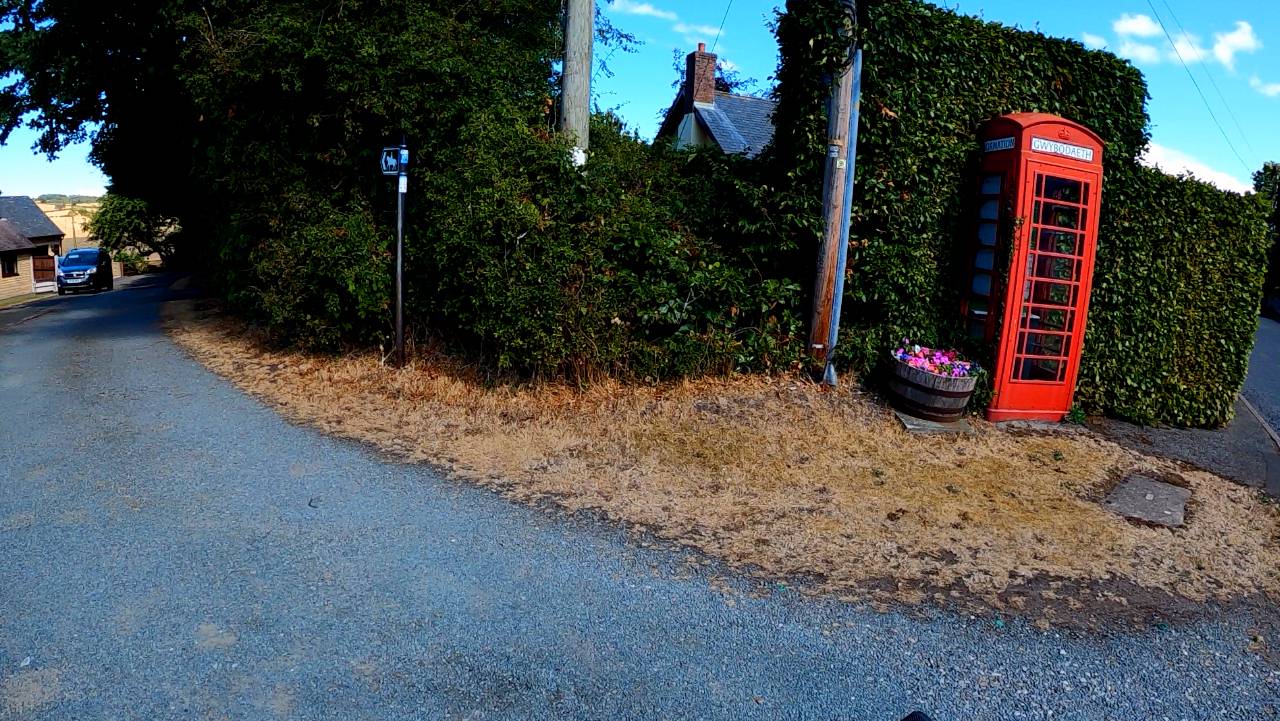
Presumably thats Welsh for defibrillator
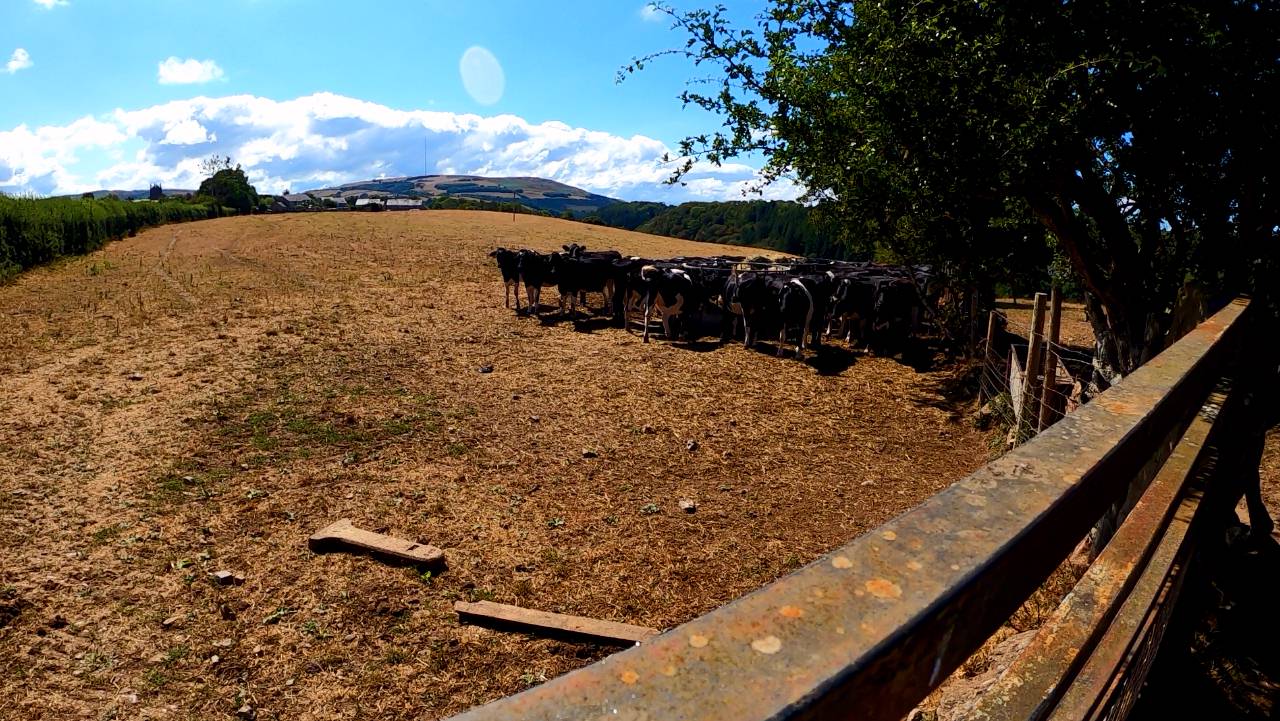
Cows, but they were feeding and mostly ignored us
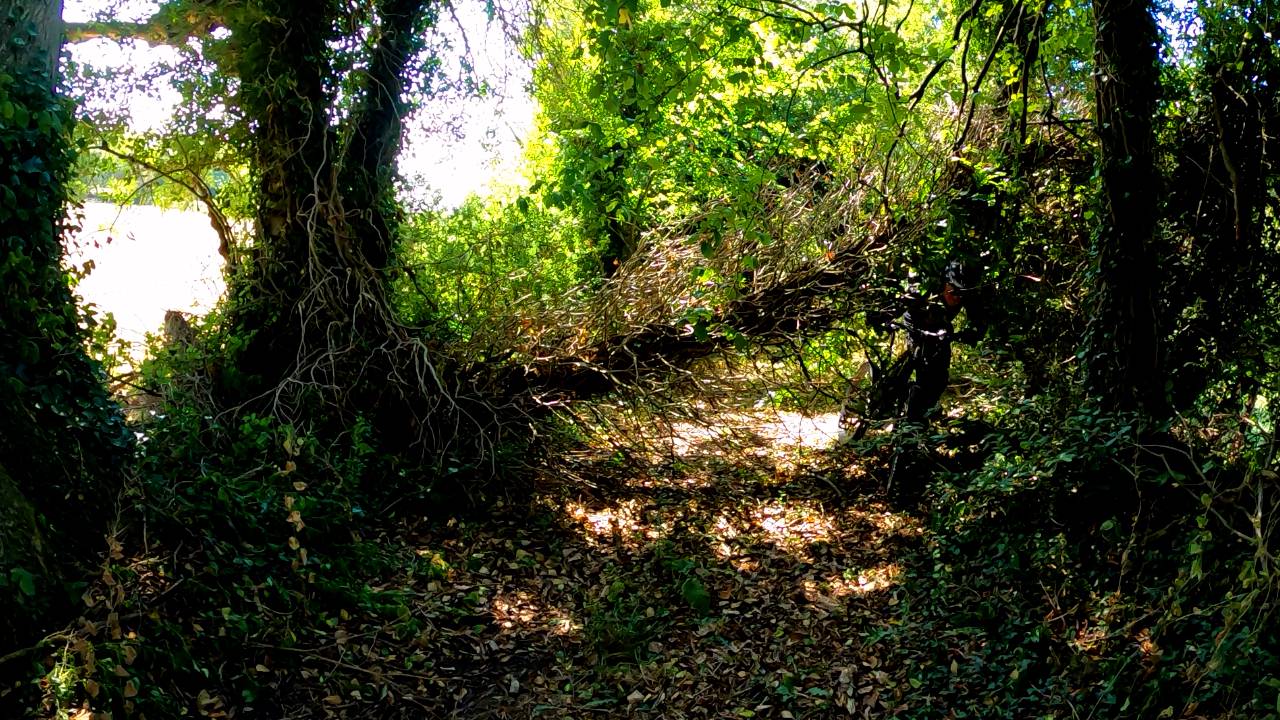
A few obstacles
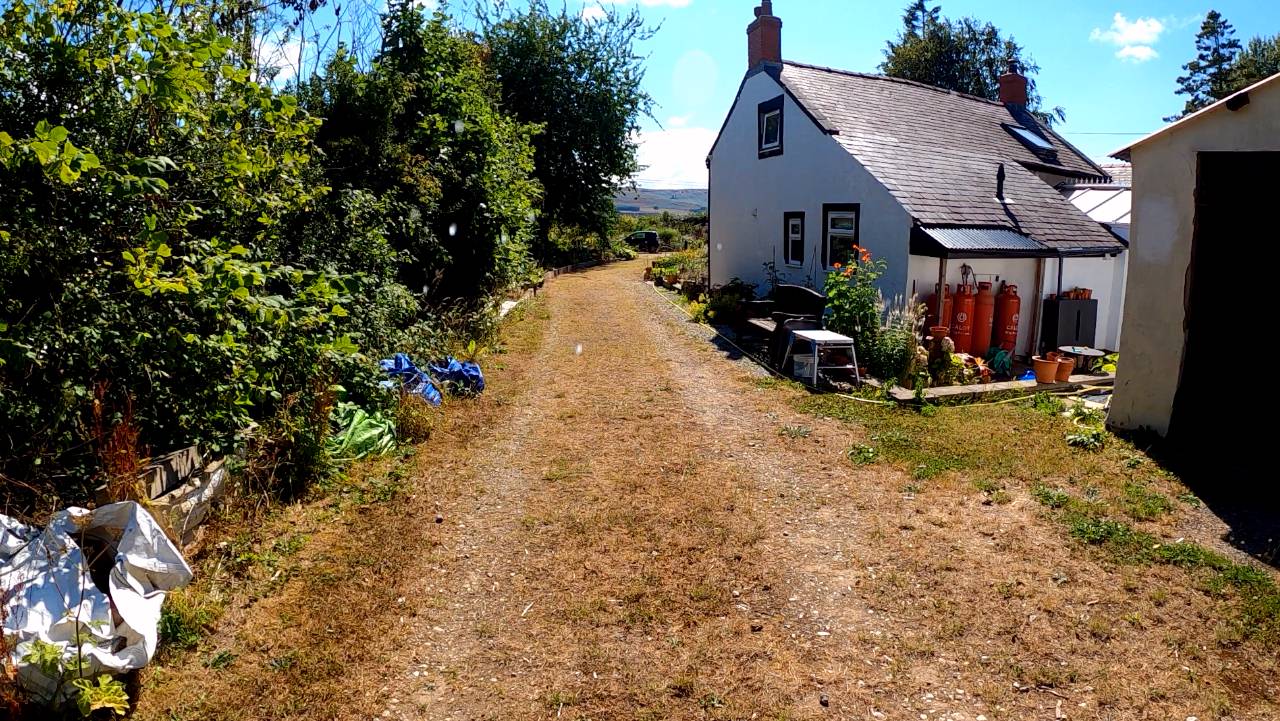
Another wave to the family Bridleway
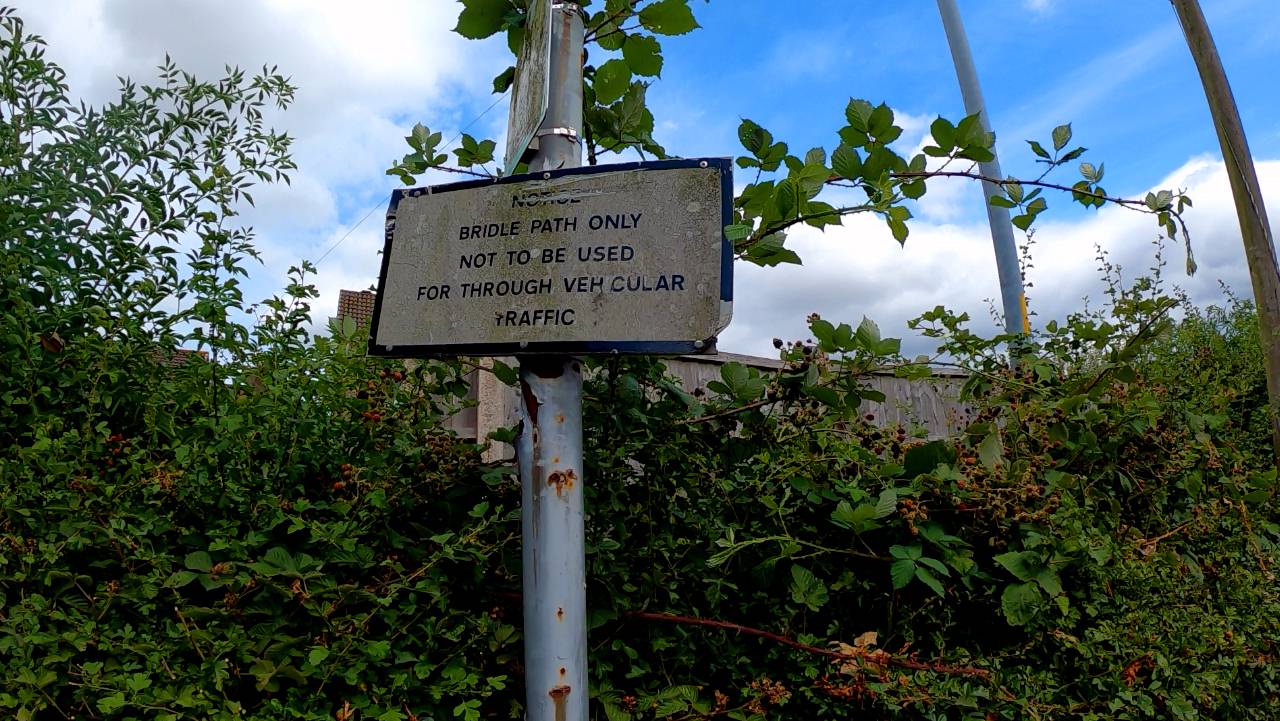
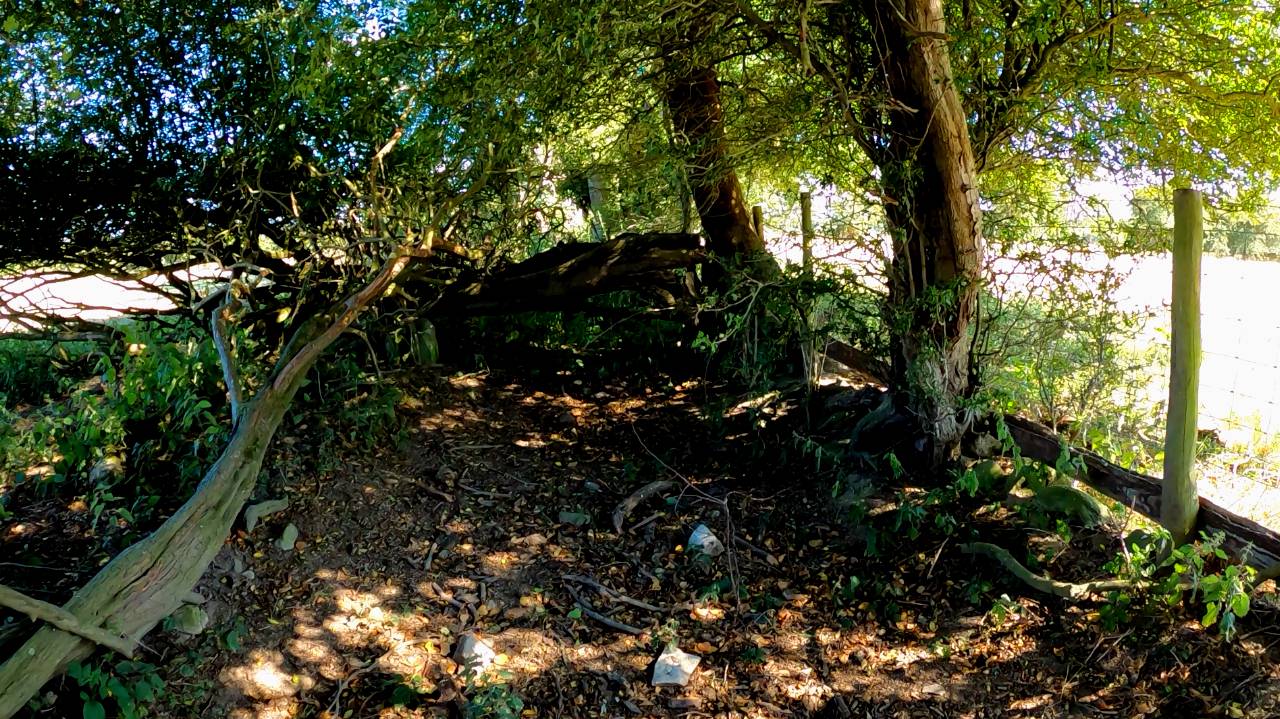
We rode a completely abandoned bridleway
Battled through for a mile and this stopped us
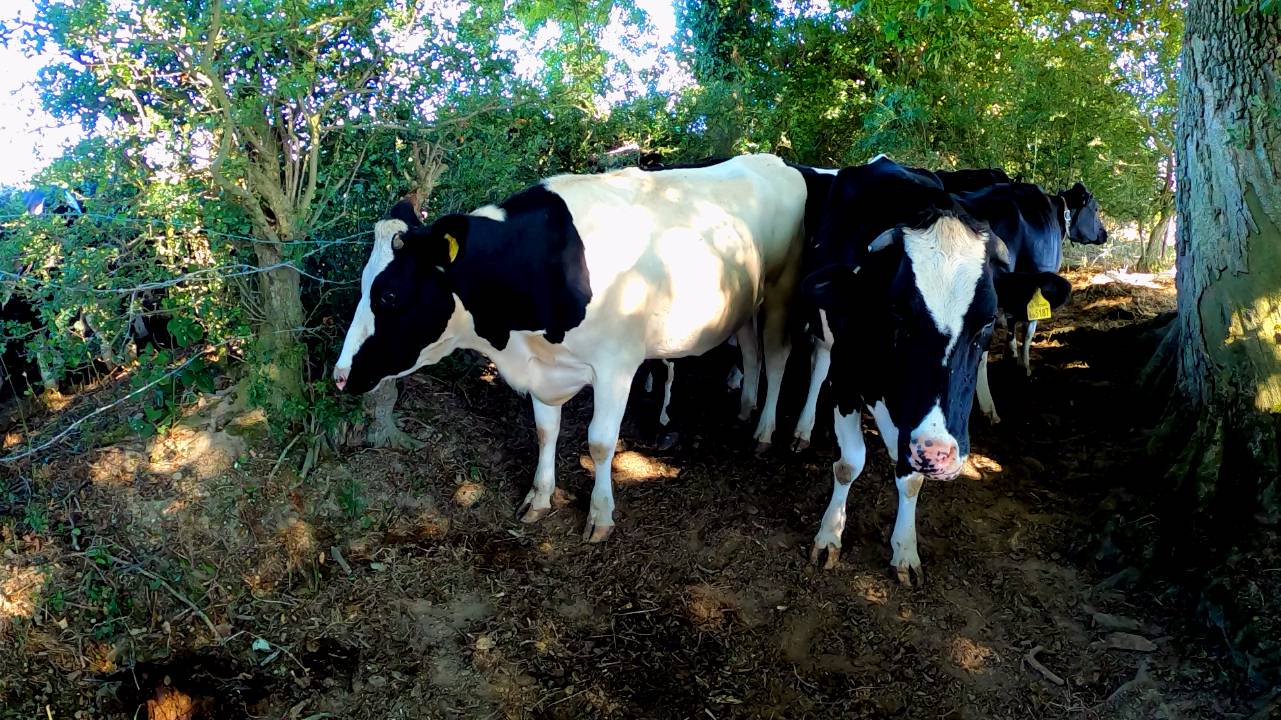
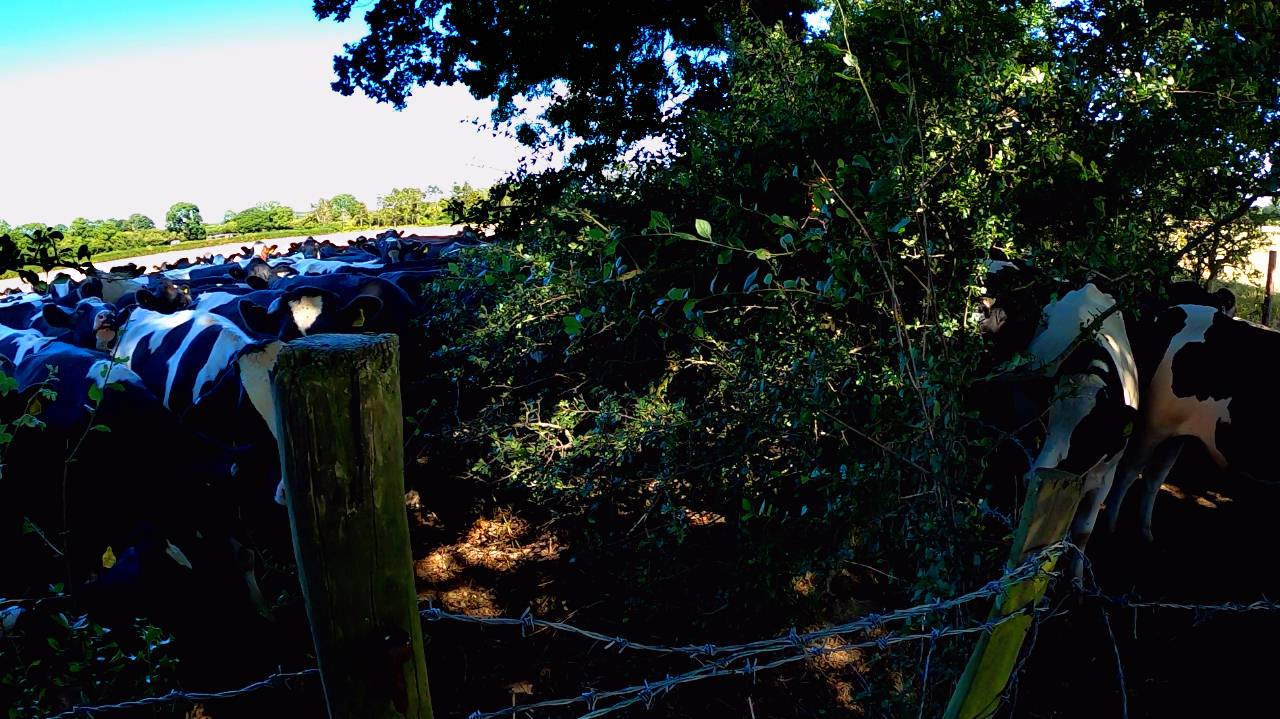
Large herd making the most prehistoric noises, we turned around defeated
The farmers lad kept riding past showing off his quad
Met this rather posh hiker writing into a notepad, Dan said its nice to get lost in the hills, he replied 'yes but they keep finding me'
He'd just walked past this view, Snowdonia and the Irish sea.
This is a Byway which allows all traffic.
The climb back up surrounded by the parched grass was quite surreal
This view is right behind a remote modern mansion
The path kept going for miles till descending through a very unused steep descent
Long climb back up disturbing the sheep
I expected a hilltop, but instead a little busy village
Then through a lovely campsite
This felt strange even by my standards
Dan brought scotch eggs
Presumably thats Welsh for defibrillator
Cows, but they were feeding and mostly ignored us
A few obstacles
Another wave to the family Bridleway
We rode a completely abandoned bridleway
Battled through for a mile and this stopped us
Large herd making the most prehistoric noises, we turned around defeated
Stefan Mikes
Gravel e-biker
- Region
- Europe
- City
- Mazovia, PL
Kerry Holiday Day 1: Dingle Peninsula (North)
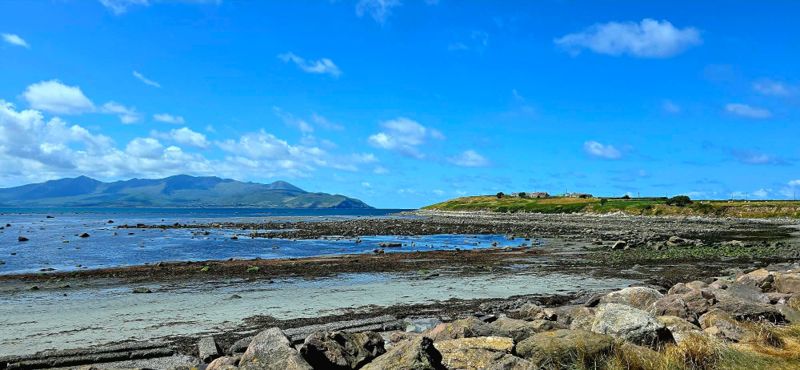
A view from Fahamore near Castlegregory. Later on the day, I took my first swim in the Atlantic Ocean ever!
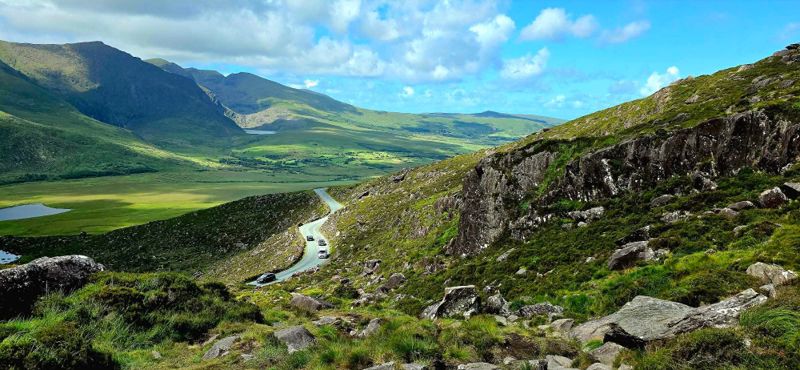
A view onto the Conor Pass from the above.
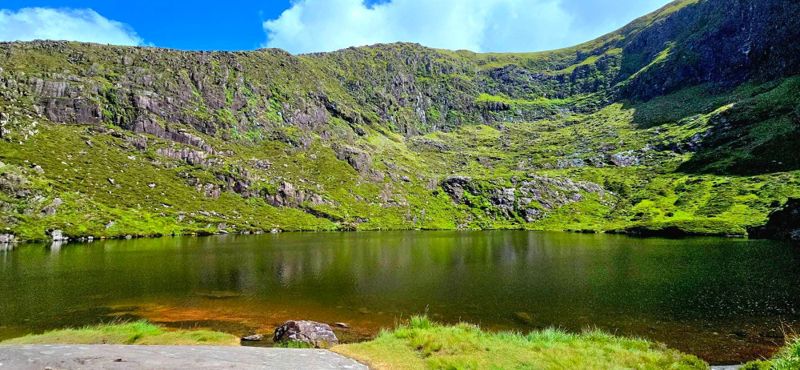
A hidden mountain lake above the Conor Pass Waterfall. @Brix climbed a rocky hiking trail to take these pictures. (I said "Pass", pun intended)
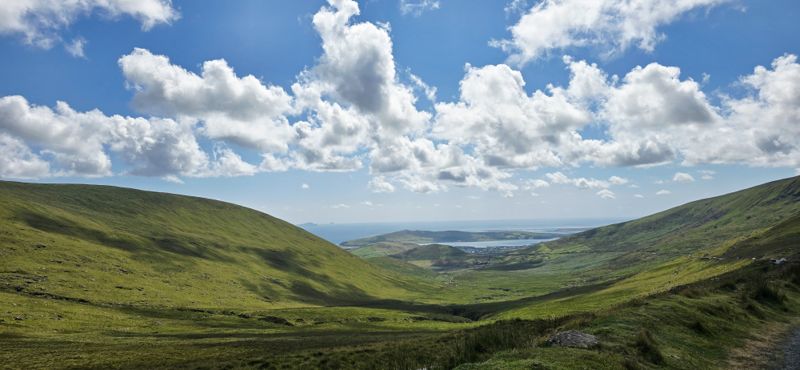
A view onto the town of Dingle and the bay from Conor Pass.
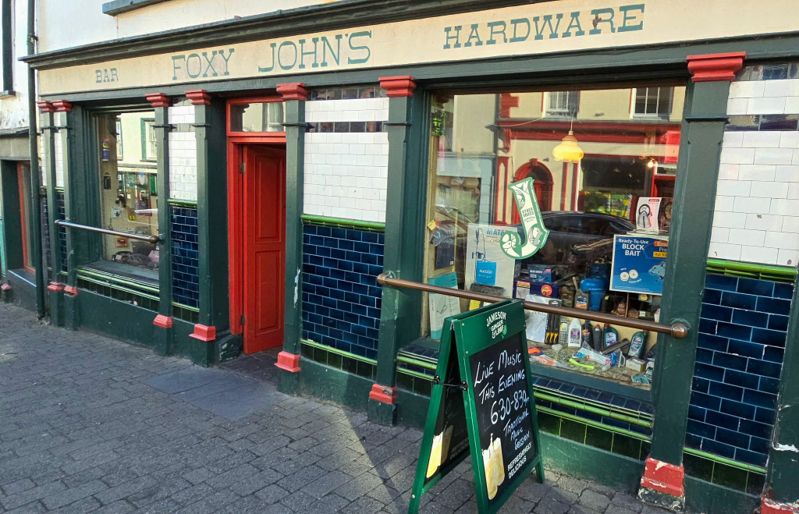
'I just need to go for some spare parts, honey' - a hubby said to his wifey A hardware store and an Irish pub in one, Dingle, Kerry, Ireland.
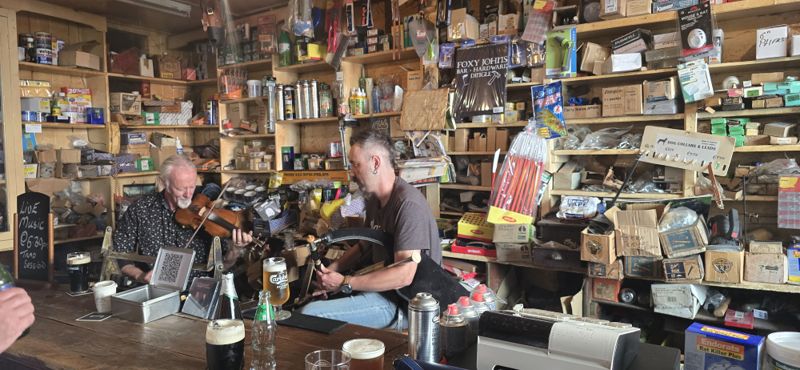
Traditional Irish folk music jam in the hardware store pub. Bagpipes, guitar, fiddle. Lovely!
A view from Fahamore near Castlegregory. Later on the day, I took my first swim in the Atlantic Ocean ever!
A view onto the Conor Pass from the above.
A hidden mountain lake above the Conor Pass Waterfall. @Brix climbed a rocky hiking trail to take these pictures. (I said "Pass", pun intended)
A view onto the town of Dingle and the bay from Conor Pass.
'I just need to go for some spare parts, honey' - a hubby said to his wifey
A hardware store and an Irish pub in one, Dingle, Kerry, Ireland. Traditional Irish folk music jam in the hardware store pub. Bagpipes, guitar, fiddle. Lovely!
Last edited:
Chargeride
Well-Known Member
Ive only swam in the Atlantic in Florida and Scotland
stompandgo
Well-Known Member
- Region
- USA
You haven't swam in the Atlantic until you've frozen your nuts off in Maine.
Similar threads

- Replies
- 3K
- Views
- 550K

- Replies
- 2K
- Views
- 519K
- Replies
- 2K
- Views
- 605K
- Replies
- 0
- Views
- 8K
