TQ V04 Color Display

stompandgo

Well-Known Member
Region
USA
TQ released a new color display for the HPR50 and HPR60 based bikes about a year ago, but it has been in very short supply, at least in the USA. Today, I installed one on the Pinarello. I got one of five that was shipped to QBP, the sole US TQ distributor. It provides more data in a more organized manner that allows for easier reading while riding. I decided to put it in this forum rather than my build thread.

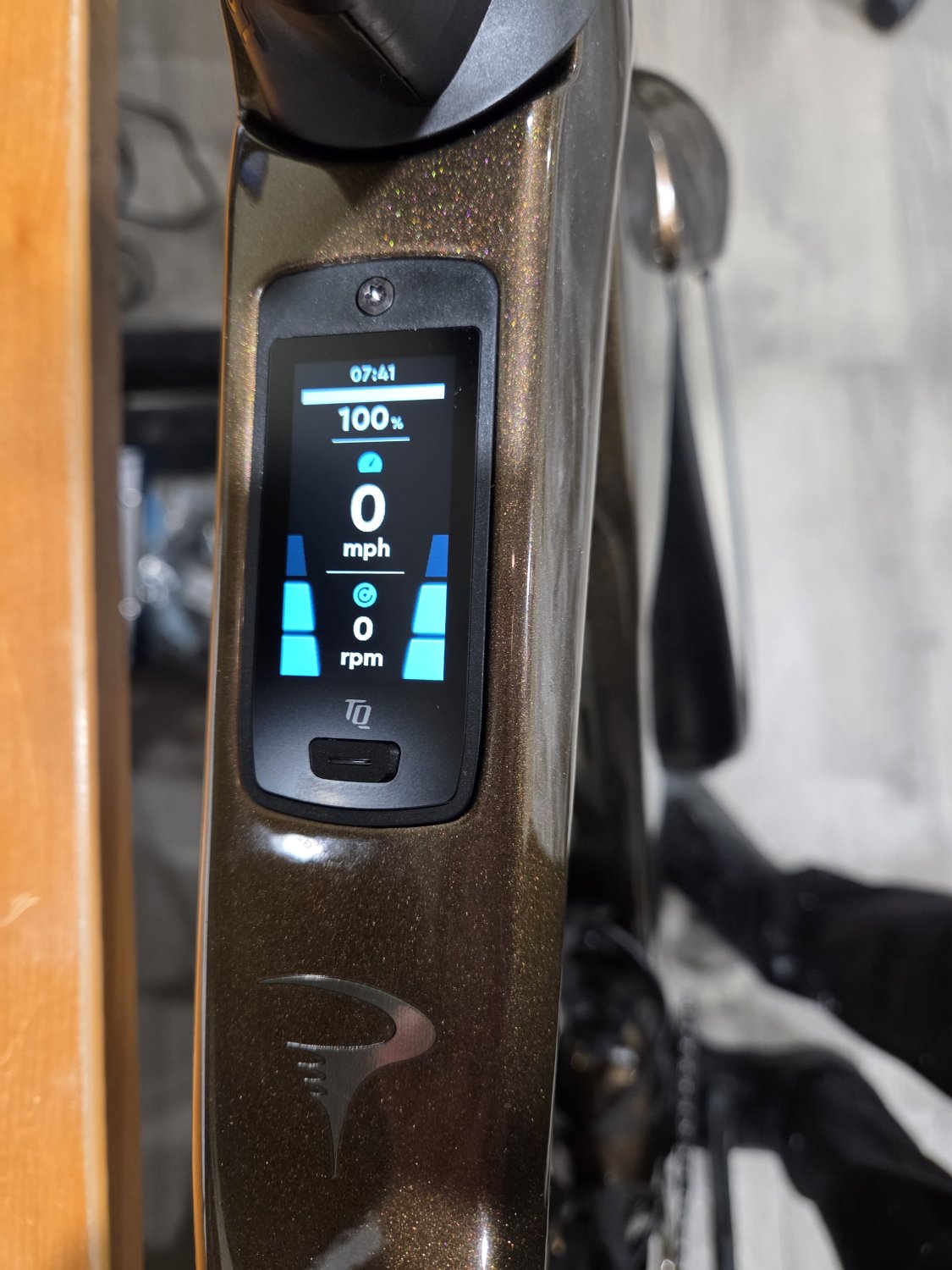
To turn the bike on, it's the same 1-2 second push. The bars on the left and right show that the assist is off.
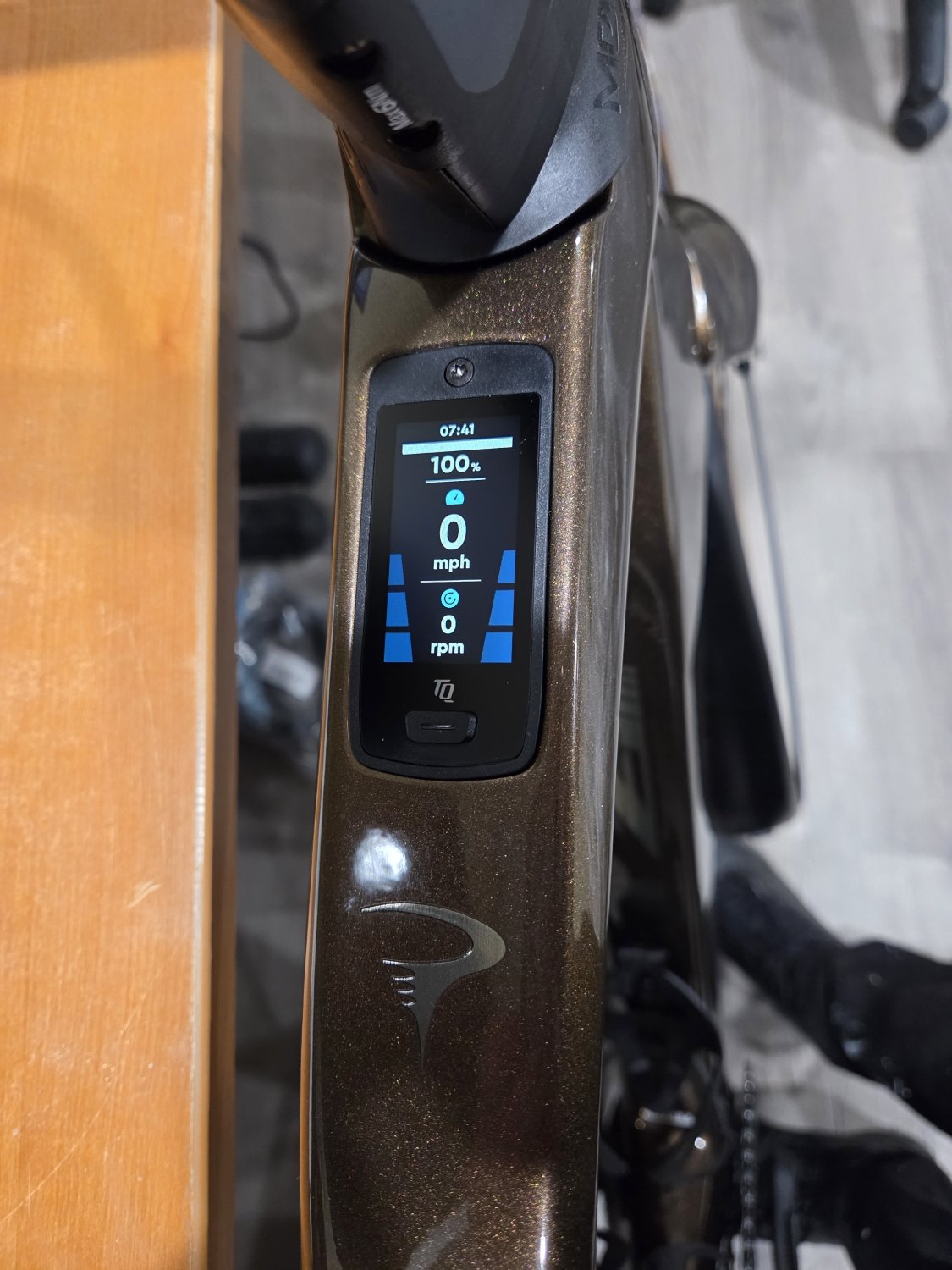
vo41.jpg


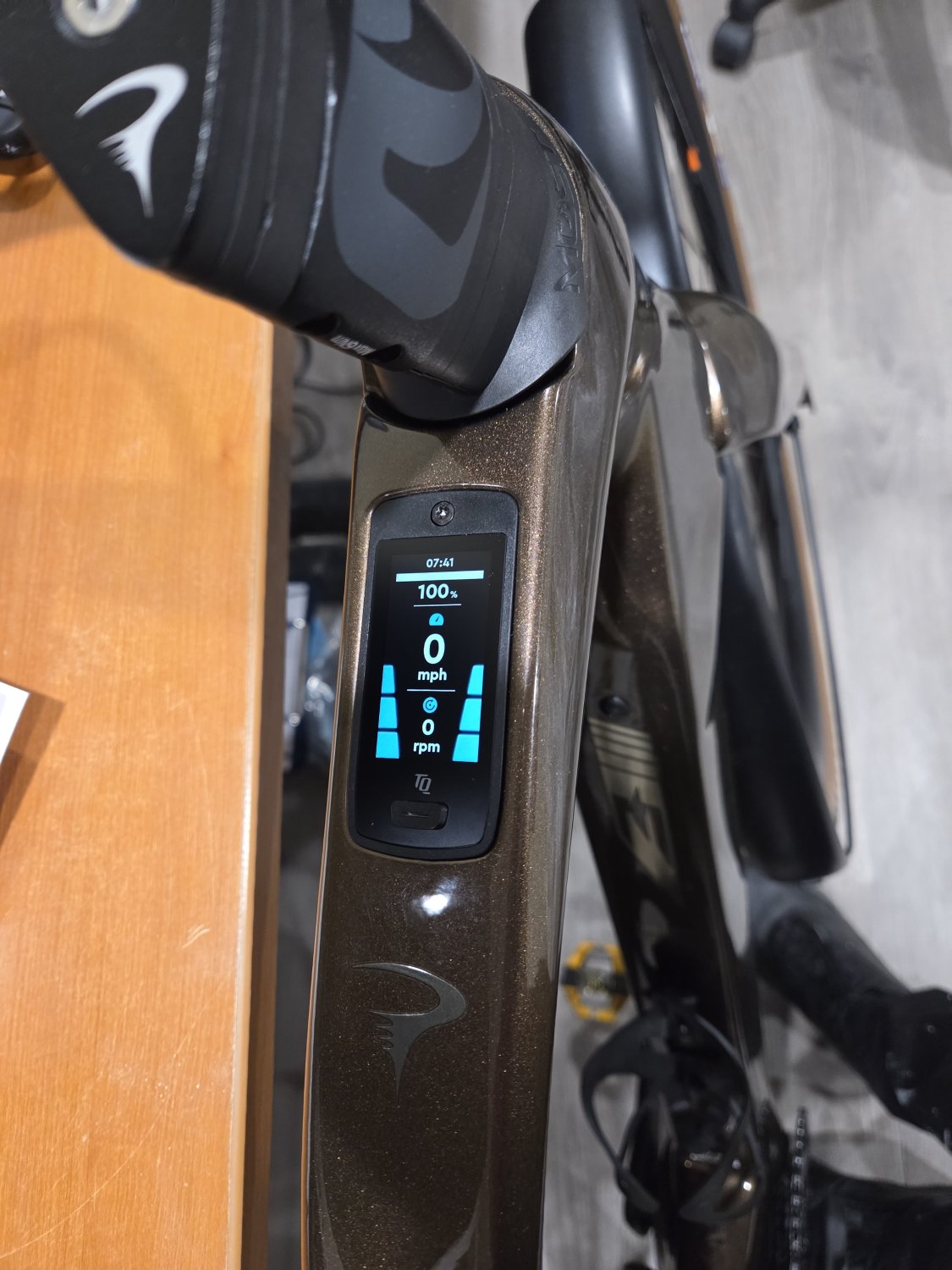
Assist level Eco. A single short button push changes the assist level.
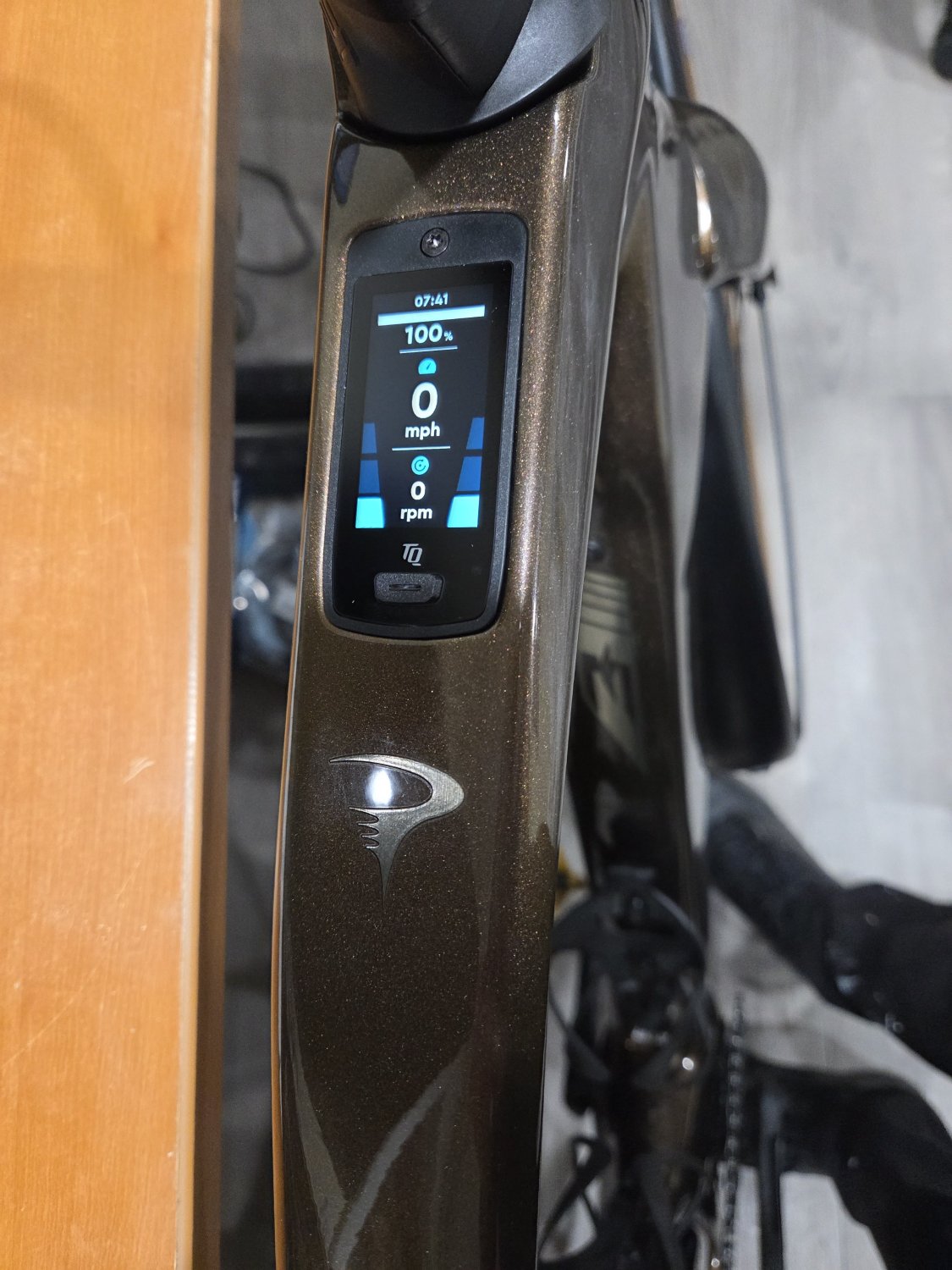
v042.jpg


Assist level Mid.

v043.jpg


Assist level High.

v044.jpg


There are up to five user configurable screens. I have set up three. To change the screen, push the on button two times quickly. This is the power screen.
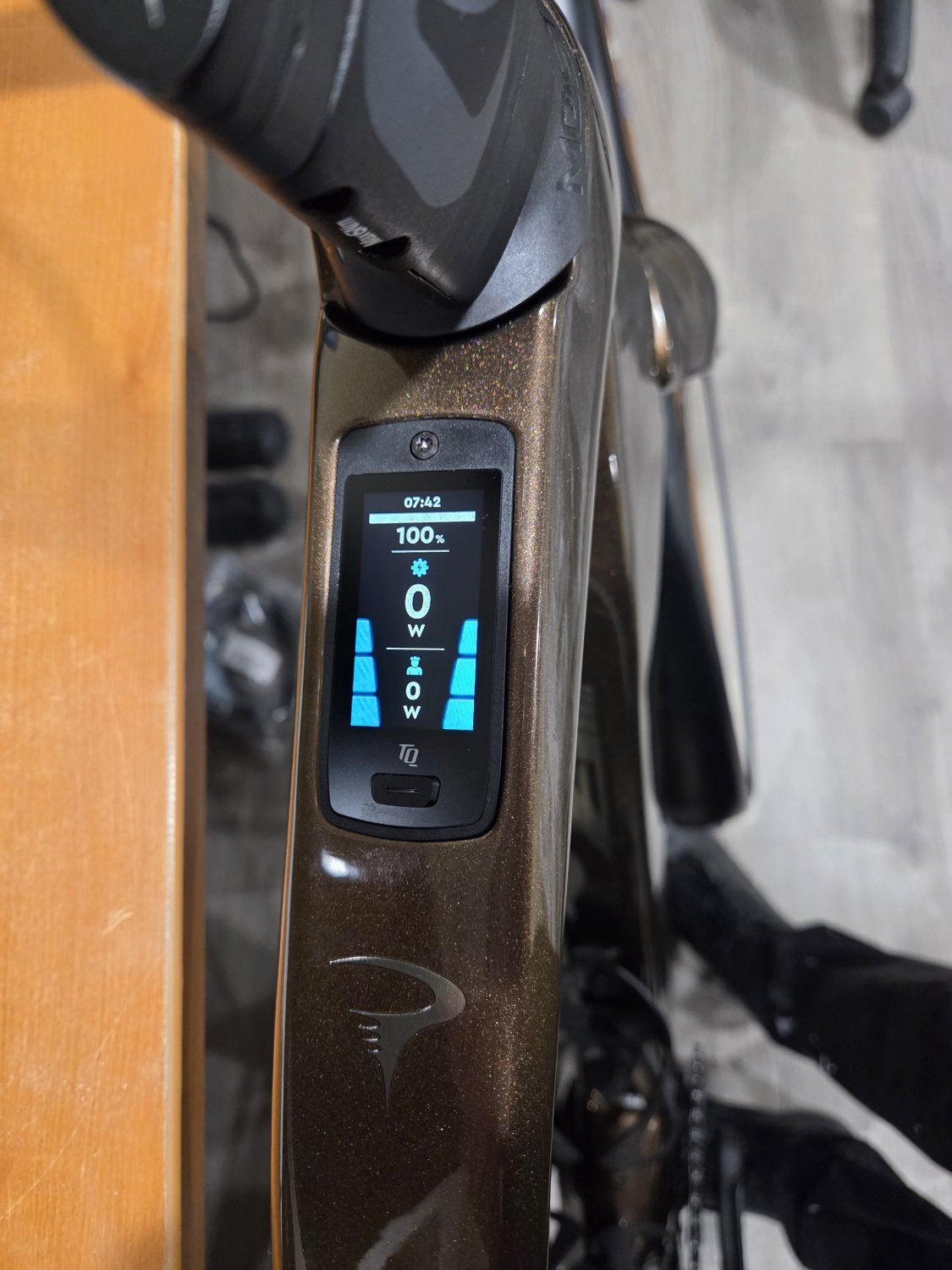
v045.jpg


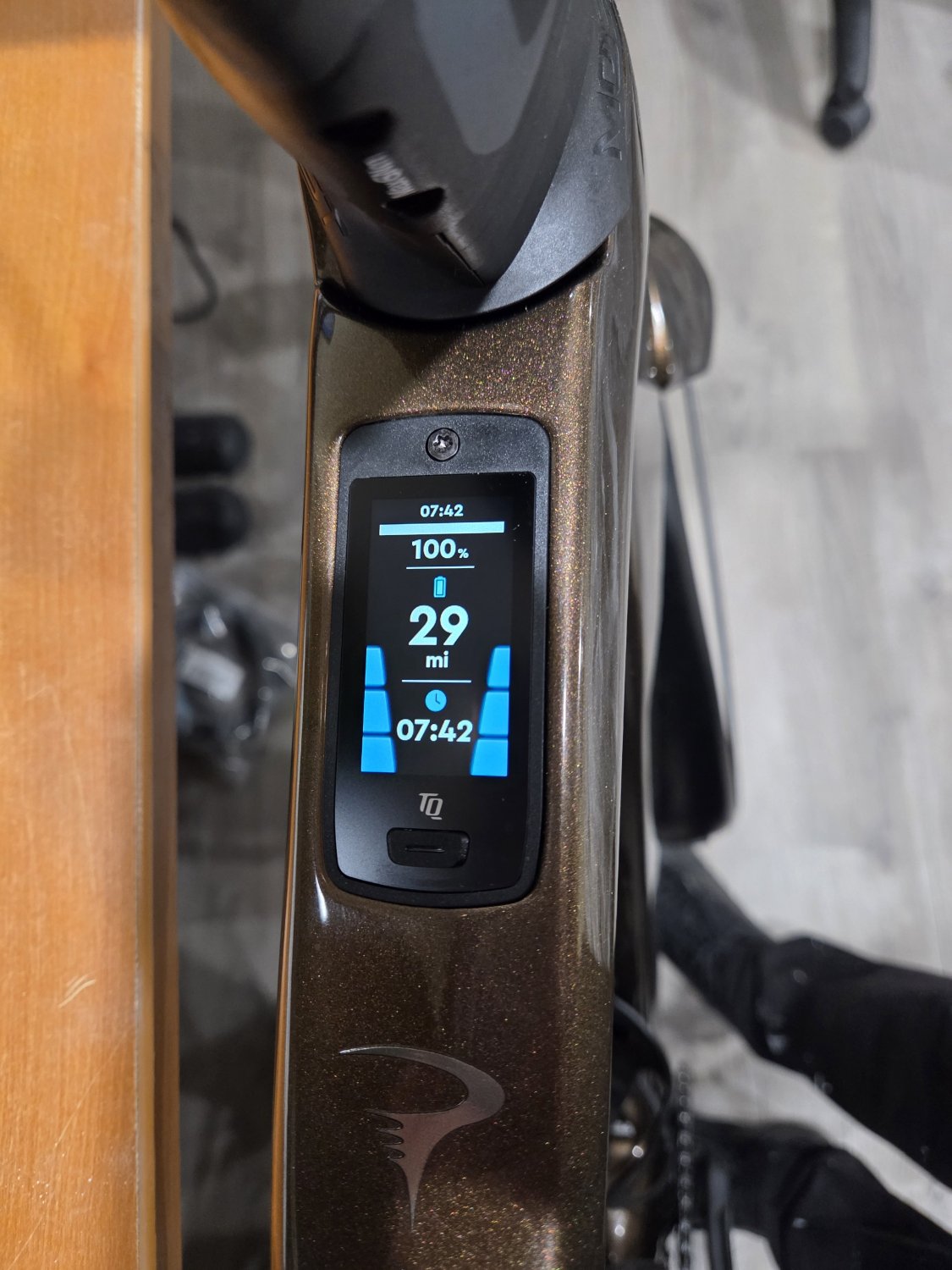
This is the range and time screen.

v046.jpg
 

Attachments

  • v045.jpg
    v045.jpg
    192.4 KB · Views: 1
That’s nice and legible. Very good.

I don’t know what preceded it, but I know a big, color display really helped me with Fättie before Juiced went belly-up. This TQ display looks really good. I think I still prefer having the display on the handlebars, but I understand why they build it into the frame like this on many bikes. Does TQ offer a phone app to give you visibility into similar data? Just curious.
 
The TQ phone app has limited display data, but it is ANT+ compatible and will pair to any ANT+ computer.

Sample pic of the V01 display:

1777130316454.png
 
Nice new display on that Pinarello!

20250625_223813.jpg

@Chazmo , my Vado SL has a similar color display called a TCU on the top tube. I was skeptical about the location and small size at first, but now I'm a big TCU fan. This is the startup page.

20250625_223845.jpg

Easily readable in all lighting conditions. At least 5 pages easily configured in the Specialized app and scrolled with the handlebar remote.

20250716_192857.jpg

Many different data items to choose from, including cadence and rider power — the 2 things I monitor most while riding.

For phone camera safety reasons, I now carry my phone in a pocket, not on my bar. Instead, I have a Wahoo ACE GPS computer on the bar for mapping, navigation, and all other GPS services — speed, gradient, elevation, etc.

Yes, the Wahoo could show me a lot of the bike data I display on the TCU. But to get ride recordings just the way I like them, I don't connect the Wahoo to the bike's electronics. The TCU shows me all the bike data I need, and the Specialized app does the recording of all GPS and bike data from my pocket.

This division of data capture, display, and analysis may strike some as odd, and it isn't perfect. But it's the best solution for MY particular riding and recording needs, and I'm not here to defend it. Just to note that a top tube display can play a valuable role even with a good bike app or high-end GPS computer onboard.
 
Last edited:
Back